-
404 – Message Center Show episode not found | Ep 404
You managed to find the episode. Now search for where Copilot App Skills are re-moving in Excel. Find out how Copilot can reschedule meetings for you if you get double-booked. This week on the 365 Message Center Show Daniel and Darrell cover: – App Skills in Excel will be retired – MC1184407 – Agent…
-
Let Me COPILOT That For You | Ep 402
We think we will call M365 Copilot’s Researcher Agent feature the “LMCTFY”. Ask Copilot to perform some research. Choose “Computer Use” mode and let Copilot control a virtual computer to carry out your research. This week on the 365 Message Center Show Daniel and Darrell cover: – Microsoft Copilot Studio – Add and configure…
-
What’s new in the Microsoft 365 Message Center? Ep 401
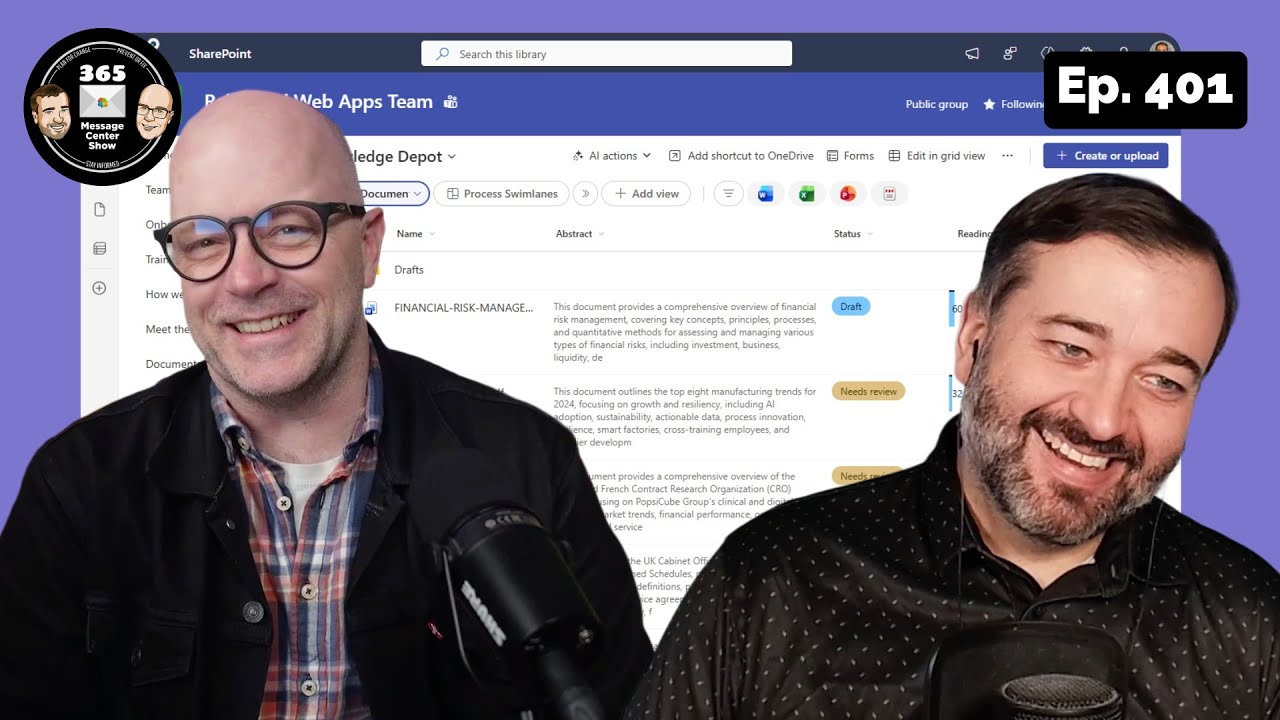
The SharePoint document library toolbars are changing and you will want to prepare your org for where buttons have moved and how it works now. Teams adds searching for images, but it’s not what you think. And Windows 11 and Copilot are getting back together, with integration means Copilot is even more helpful on your…
-
Point taken in the Microsoft 365 Message Center Show | Ep 399

Access your organisational images library to get approved images for your presentations. Use Search to find settings in Teams. And where did Copilot go in Microsoft Loop, and did anyone notice it leave? This week on the 365 Message Center Show Daniel and Darrell cover: – Microsoft Viva Copilot Analytics launches new agent dashboard…
-
What’s new in the Microsoft 365 Message Center? Ep 398
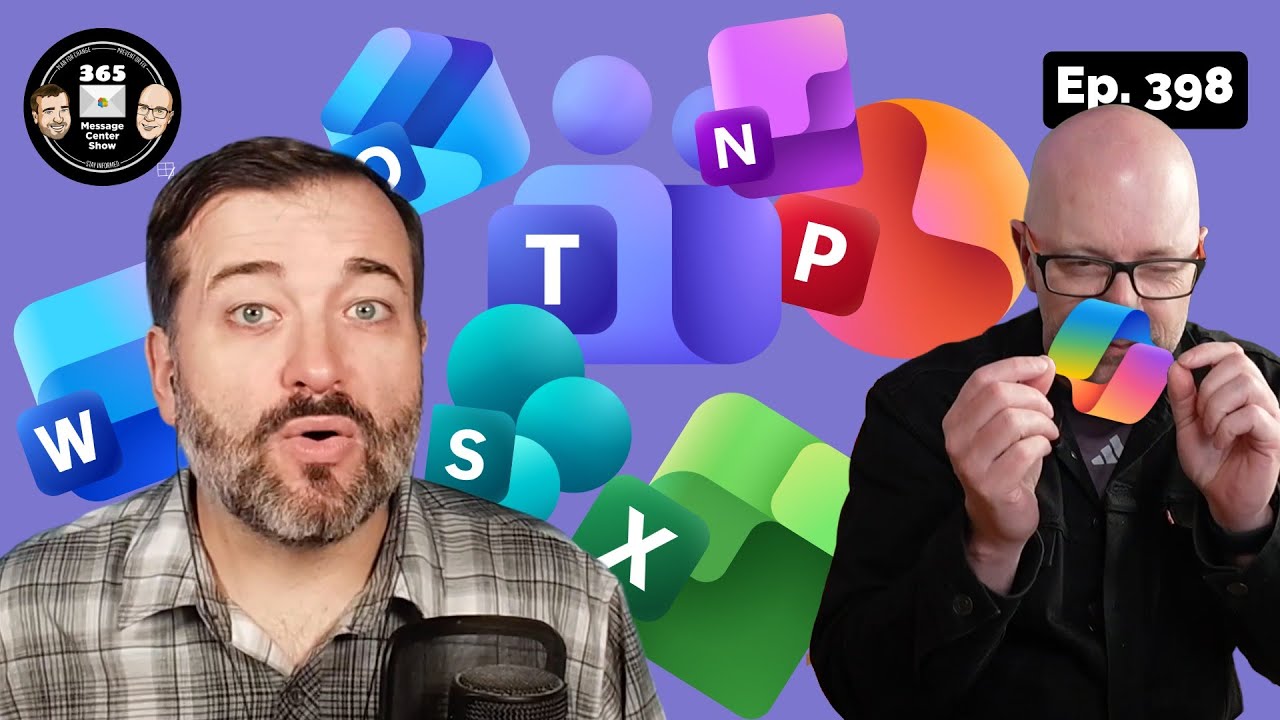
Ask Copilot Chat about Teams channel content. Specify the channel with a /. Ask about a refreshing new round of Microsoft 365 icons. This week on the 365 Message Center Show Daniel and Darrell cover: – Microsoft Copilot Studio: Agent ownership reassignment – MC1162291 – (Updated) Microsoft Teams: Trust Indicators – a new way…
-
What’s new in the Microsoft 365 Message Center? Ep 397

Hey Copilot. Remember how I like my day planned out to leave gaps for focus time? Remember that I like my summaries concise? This week on the 365 Message Center Show Daniel and Darrell cover: – Retiring Power BI “Visualize the List” and “Visualize the Library” Features in SharePoint Online – MC1156359 – Microsoft…
-
What’s new in the Microsoft 365 Message Center? Ep 396

This episode we discuss a huge update to managing content on SharePoint site, powered by Knowledge Agent. Yes, Copilot will start to do more than help us find the words to put on a page. It will also help us organise our document libraries with metadata and use it when we ask Copilot questions. …
-
What’s new in the Microsoft 365 Message Center? Ep 395

In this week’s short and snappy episode, Copilot Studio gets an increase in the number of files an agent can use in SharePoint and OneDrive. Office Transcriptions can be left to run all day and still not use up your quota of minutes. Lastly, admins should check that they have enabled a setting in Chromium…
-
What’s new in the Microsoft 365 Message Center? Ep 394

Learn how Microsoft will make it easier for people to get up and running with their current settings when they shift to New Outlook. Copilot Pages and Copilot generated images will be found in a new ‘Library’ launched from the Microsoft 365 Copilot app. Lastly, Teams chats and group chats get a Notes tab. But…
-
What’s new in the Microsoft 365 Message Center? Ep 391

React to a message and trigger a workflow. That might be fun if you want to dedicate a certain emoji for ‘volunteering’ for a task. In other news, some Gen-AI features of the M365 Copilot app Create module will be made available to unlicensed users. This week on the 365 Message Center Show Daniel…