-
FOLLOW-UP Teams chats. Restrict Copilot’s creativity in PowerPoint. | Ep 440

Today’s the day. Teams get’s follow-up flags. Remind yourself to look at a chat message or post. This week on the 365 Message Center Show Daniel and Darrell cover: – M365 Copilot: Tell Copilot what you need directly from the Copilot button in Word, Excel, and PowerPoint – MC1470885 – Microsoft Teams: Personal message…
-
Copilot apps to become one and the same | Ep 437
Surprise! Did you see this coming? The Microsoft 365 Copilot logo drops mug-shot booking board. This week on the 365 Message Center Show Daniel and Darrell cover: – Microsoft SharePoint: New report on Everyone except external users – MC1450131 – Microsoft Copilot Word: Document summarization experience moving – MC1454113 – Microsoft Teams: Configure mandatory…
-
What’s new in the Microsoft 365 Message Center? Ep 424
Get help reviewing contracts using a new Legal Agent for Microsoft Word. Sync up to 1 million files with OneDrive. But consult your IT Support to learn if this is right for you. This week on the 365 Message Center Show Daniel and Darrell cover: – Exchange Online: Retirement of legacy TLS versions for…
-
What’s new in the Microsoft 365 Message Center? Ep 418
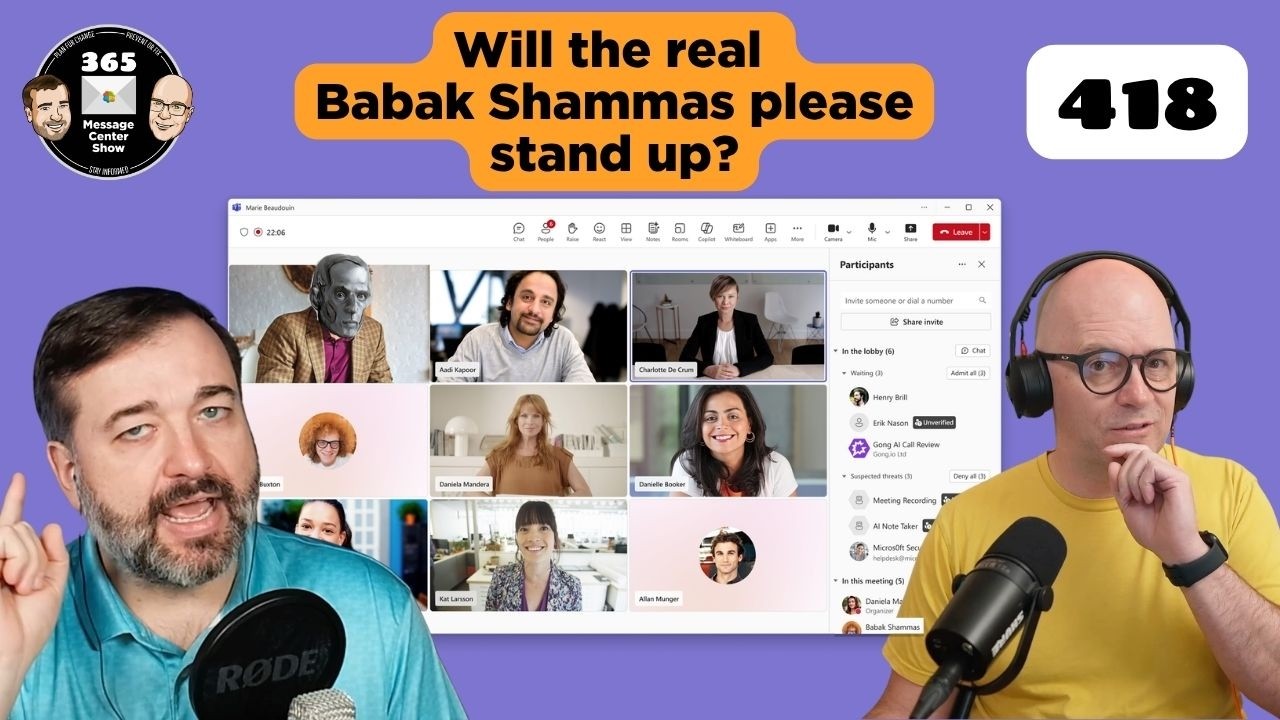
It’s going to be easier to identify bots joining your meetings with a dedicated section singling them out. SharePoint and OneDrive agents will soon allow a list to be a source for your chats. This week we also chat about two confusing messages that announced the removal of agent capabilities in M365 apps for people…
-
What’s new in the Microsoft 365 Message Center? Ep 416
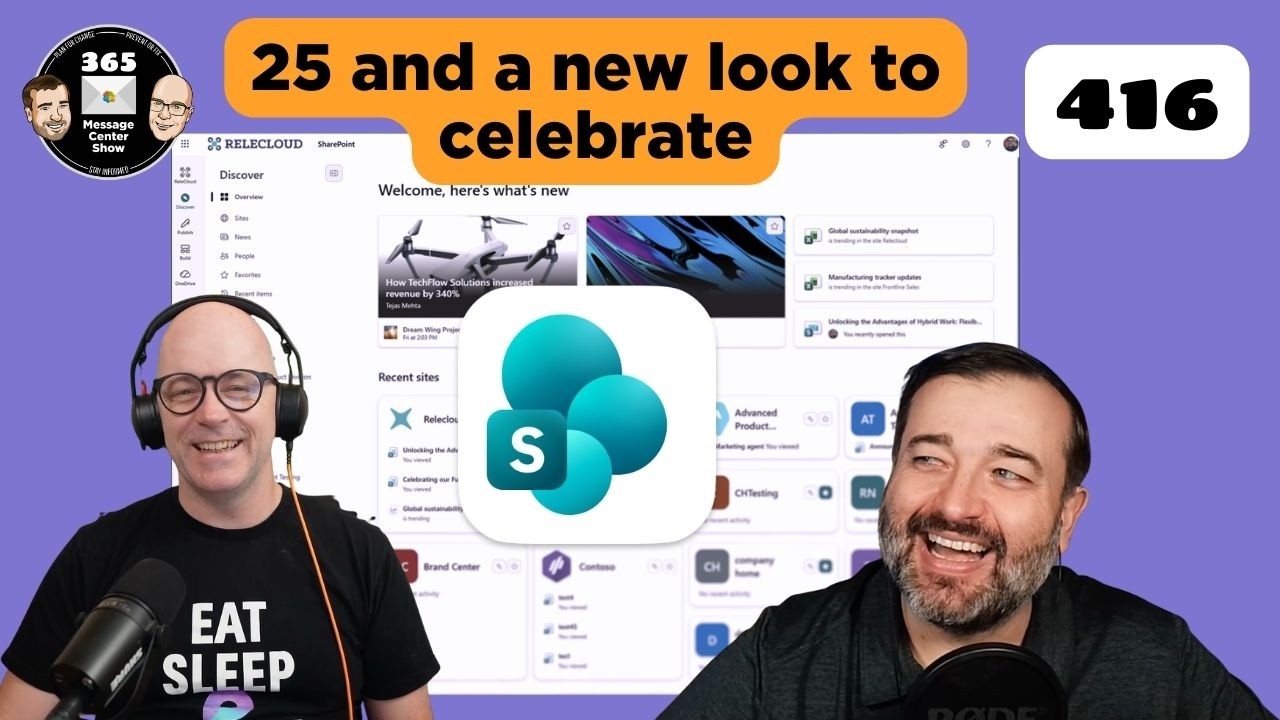
What a great way to celebrate 25 years of SharePoint – a makeover. The new look menus and SharePoint home encourage discovery of content, publishing new pages and posts, and building sites, lists and more. Happy Birthday SharePoint. This week on the 365 Message Center Show Daniel and Darrell cover: – Introducing the new…
-
What’s new in the Microsoft 365 Message Center? Ep 413

Agents will soon retrieve data from MCP servers and offer formatting options you can interact with. The Copilot “preview pane” opens Word, Excel, and PowerPoint alongside your M365 Chat results. Viva Engage introduces a way to hide your colleagues messages from your feed. This week on the 365 Message Center Show Daniel and Darrell…
-
What’s new in the Microsoft 365 Message Center? Ep 411

Microsoft is expanding further on what the free Copilot Chat will cover in Outlook mailboxes. But it will complicate how to describe the difference between free, unlicensed Copilot and licensed M365 Copilot. We also discuss adding watermarks to GenAI created and altered content. This week on the 365 Message Center Show Daniel and Darrell…
-
406 – Unacceptable Message Center Show Response | Ep 406
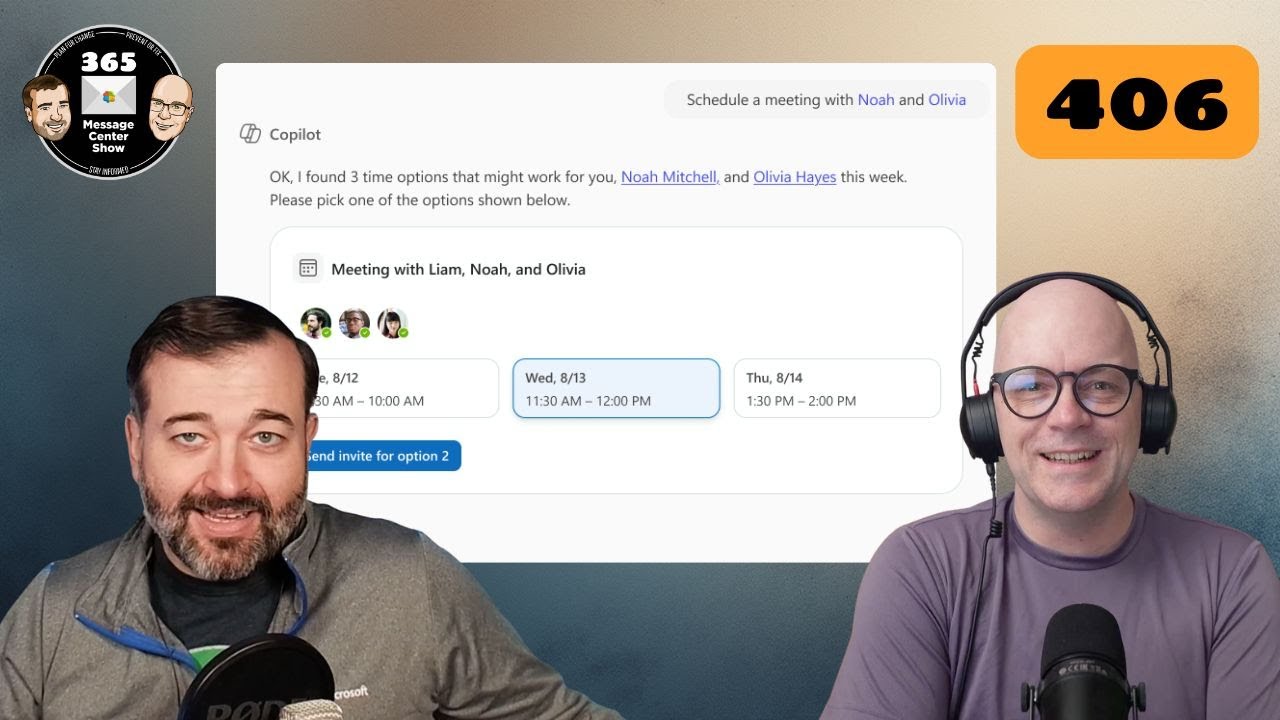
Sounds dramatic. But we’re just sticking with the error code episode number theme till we can’t make any further stories from them. Copilot Chat can schedule meetings and offers a new entry point in Word, Excel, and PowerPoint. This week on the 365 Message Center Show Daniel and Darrell cover: – Organizational Messages now…
-
Microsoft 365 Copilot Wave 2 big reveal | 376
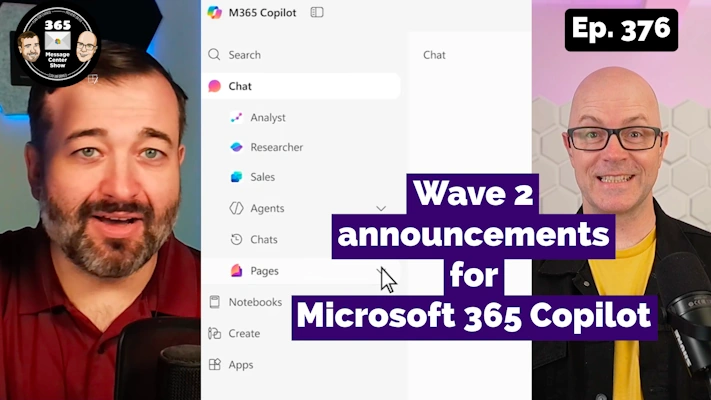
Oooh. So that’s why Microsoft renamed Microsoft 365 to Microsoft 365 Copilot. It was the app all along. Wave 2 announcements reveal that the home page, the starting point for using Microsoft 365 on the web is going all in with Copilot-centric experiences. Not only Chat, but also Create, a new Search experience, Notebooks for…
-
Finding your place soon with Microsoft Places | Ep 352
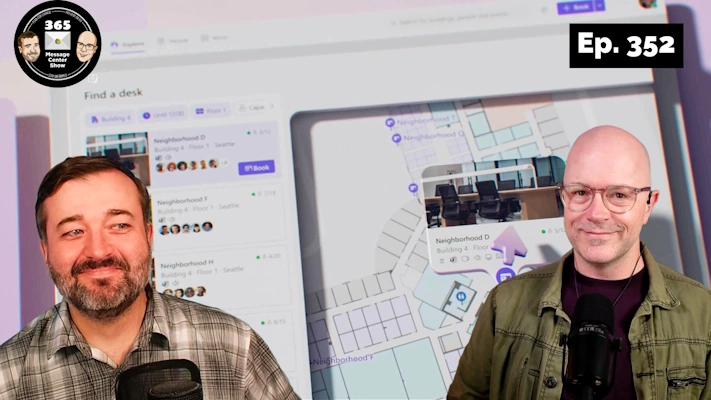
Microsoft Places will be Generally Available soon. In this episode we talk about it being available as a core experience across most M365 / O365 subscriptions. There’s also a couple of updates to New Outlook to edge closer to the Classic Outlook experience. We say goodbye to Delve and hello to a couple of new…