-
What’s new in the Microsoft 365 Message Center? Ep 433
Create custom templates for your team in Planner. Copilot Notebooks play hide and seek for a little while. OpenAI models will be available as a subprocessor. This week on the 365 Message Center Show Daniel and Darrell cover: – Custom templates in Microsoft Planner MC1413299 – Viva Engage: New Recent feed in Home MC1413304…
-
What’s new in the Microsoft 365 Message Center? Ep 432
30 days have September, April, June, and November… OK. With that out of the way, July begins with a better way to restore accidentally deleted flows, a new document library browsing experience, and Facilitator answering questions in the chat. This week on the 365 Message Center Show Daniel and Darrell cover: – Access your…
-
What’s new in the Microsoft 365 Message Center? Ep 426
-
What’s new in the Microsoft 365 Message Center? Ep 401
The SharePoint document library toolbars are changing and you will want to prepare your org for where buttons have moved and how it works now. Teams adds searching for images, but it’s not what you think. And Windows 11 and Copilot are getting back together, with integration means Copilot is even more helpful on your…
-
What’s new in the Microsoft 365 Message Center? Ep 388

-
Use Copilot to podcast your meetings and summarise attachments | Ep 379
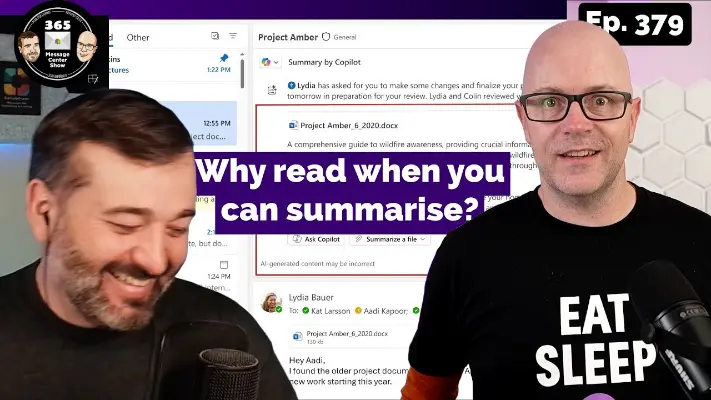
Listen to your meeting as an audio overview. Summarise email attachments before opening them to read. In the right hands, these will be useful tools. But how will you know the summaries pick up all the important details? Listen or watch this episode to learn more about these Message Center messages. This week on…
-
Prioritise my Inbox with Copilot in Outlook | Ep 369
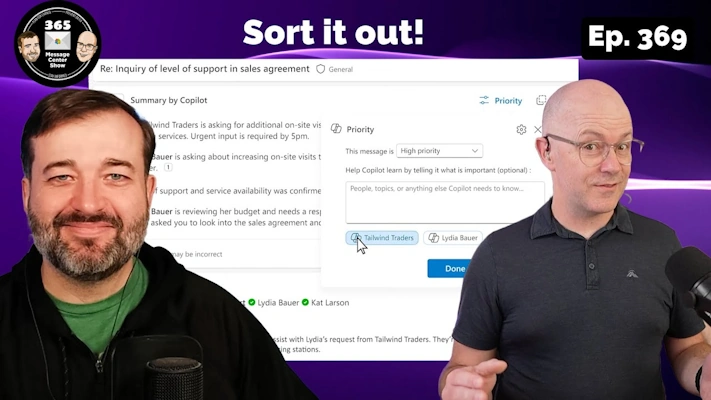
Ready for a new AI-powered prioritization tool that you can teach what’s important to you? Not Focused Inbox, no. Kinda like Mail Rules, yeah. It’s a more practical, guided way to focus on email that’s important to you. Even more important than your Focused Inbox. This week on the 365 Message Center Show Daniel…
-
Finding your place soon with Microsoft Places | Ep 352
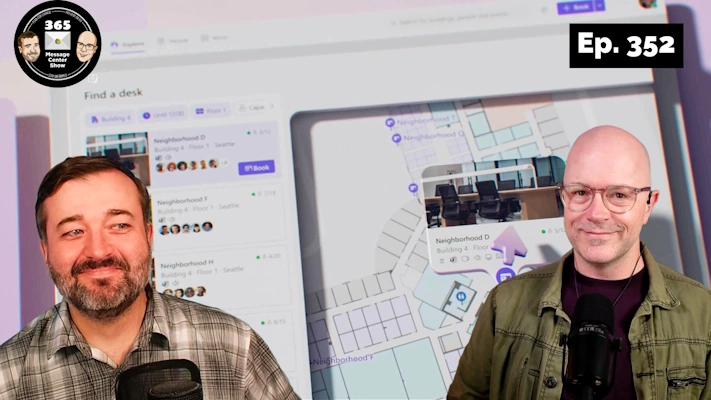
Microsoft Places will be Generally Available soon. In this episode we talk about it being available as a core experience across most M365 / O365 subscriptions. There’s also a couple of updates to New Outlook to edge closer to the Classic Outlook experience. We say goodbye to Delve and hello to a couple of new…
-
Unlicensed OneDrives will cost you | Episode 342
OneDrives that have had their license removed for over 90 days will soon have their storage moved to Microsoft 365 Archive. Daniel is trying to figure out how much this is all going to cost. Also, Undo and redo while you build cloud flows in the designer. Plus Copilot in Teams will use meeting chat…
-
Changes to OneDrive UI, and more free LinkedIn courses | Ep 293
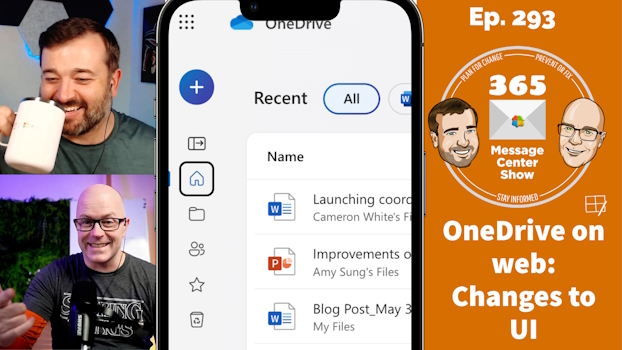
OneDrive on the web is changing to bring focus to your content and make it easier to create new files. LinkedIn Learning adds more free courses to Viva Learning basic. Custom list templates will soon included Power Automate flows as part of the template, packaging up a nice reusable app with automation. This week…