-
FOLLOW-UP Teams chats. Restrict Copilot’s creativity in PowerPoint. | Ep 440
Today’s the day. Teams get’s follow-up flags. Remind yourself to look at a chat message or post. This week on the 365 Message Center Show Daniel and Darrell cover: – M365 Copilot: Tell Copilot what you need directly from the Copilot button in Word, Excel, and PowerPoint – MC1470885 – Microsoft Teams: Personal message…
-
What’s new in the Microsoft 365 Message Center? Ep 434

Passphrases will be on by default as SMS and voice authentication is finally retired. Teams AI meeting notes will be archived. OneDrive will soon be able to show the custom views you have created for document libraries. This week on the 365 Message Center Show Daniel and Darrell cover: – OneDrive for the web…
-
What’s new in the Microsoft 365 Message Center? Ep 422
While we have some interesting updates for SharePoint and using Copilot in Excel, we are most excited about how AI can help us keep up with messages in the M365 Message Center. Imagine being able to start a chat and ask about messages that impact you and how it might impact your organisation. This…
-
What’s new in the Microsoft 365 Message Center? Ep 418
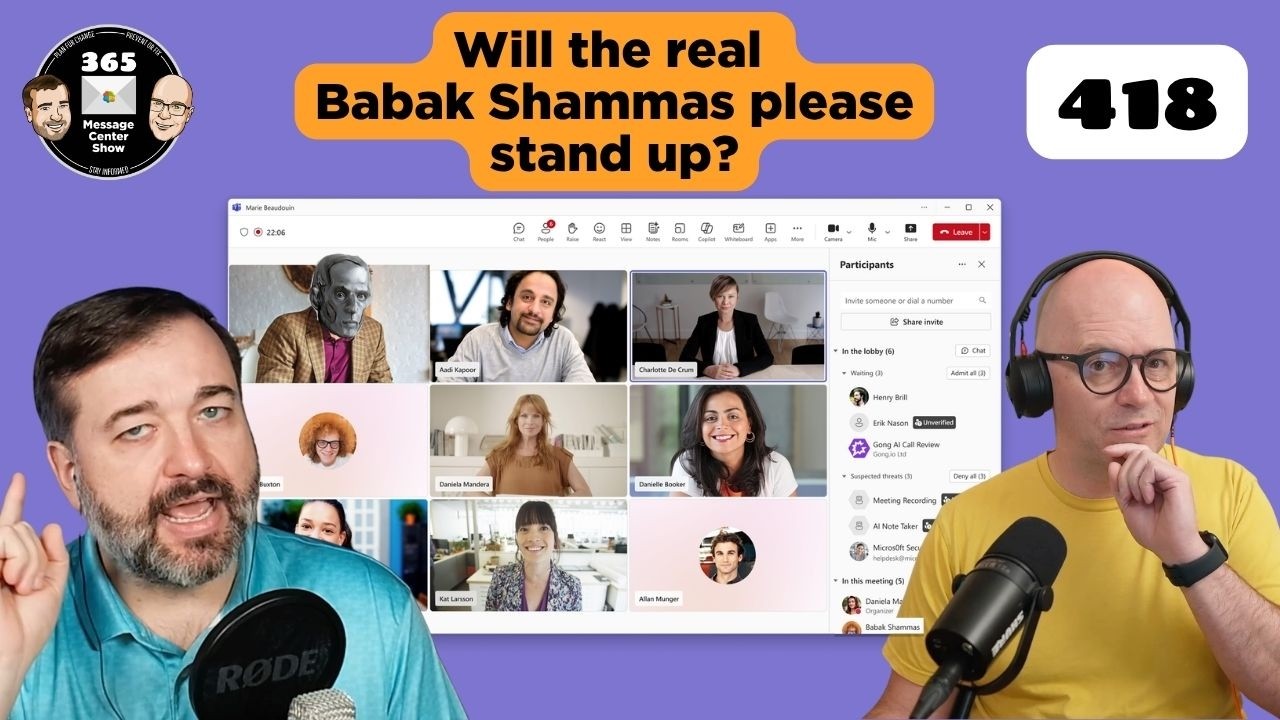
It’s going to be easier to identify bots joining your meetings with a dedicated section singling them out. SharePoint and OneDrive agents will soon allow a list to be a source for your chats. This week we also chat about two confusing messages that announced the removal of agent capabilities in M365 apps for people…
-
What’s new in the Microsoft 365 Message Center? Ep 413

Agents will soon retrieve data from MCP servers and offer formatting options you can interact with. The Copilot “preview pane” opens Word, Excel, and PowerPoint alongside your M365 Chat results. Viva Engage introduces a way to hide your colleagues messages from your feed. This week on the 365 Message Center Show Daniel and Darrell…
-
What’s new in the Microsoft 365 Message Center? Ep 411
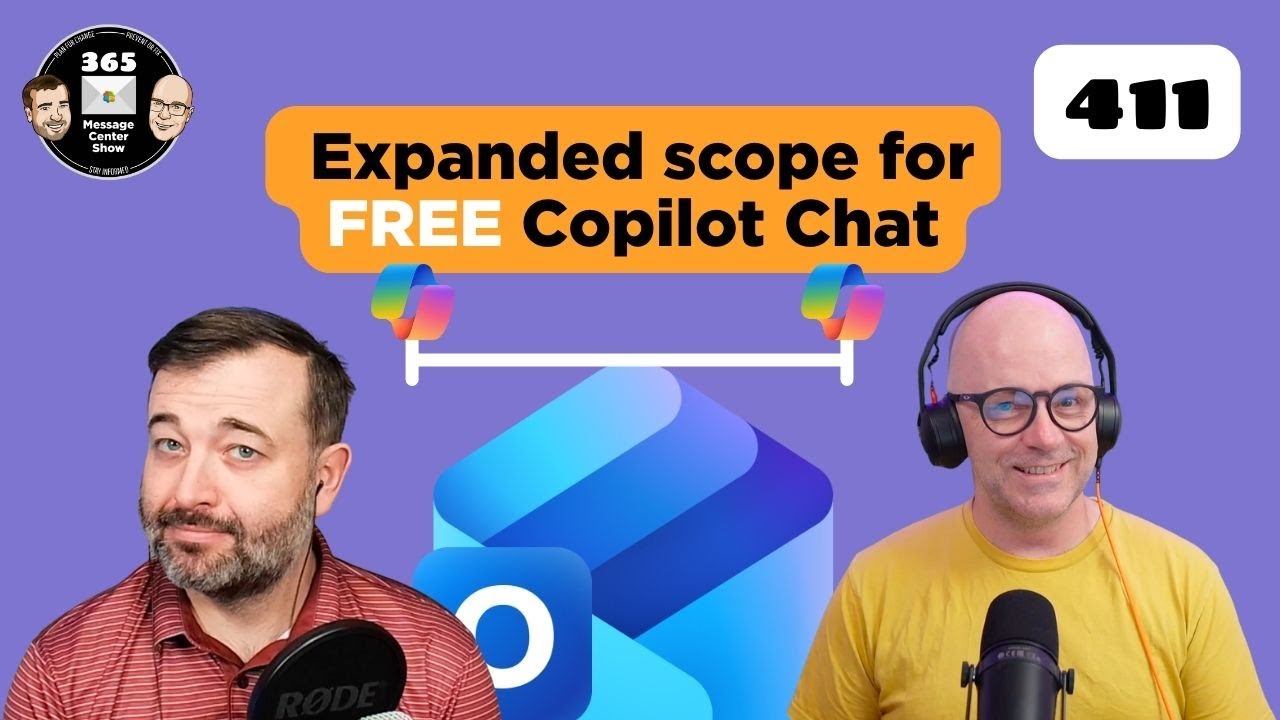
Microsoft is expanding further on what the free Copilot Chat will cover in Outlook mailboxes. But it will complicate how to describe the difference between free, unlicensed Copilot and licensed M365 Copilot. We also discuss adding watermarks to GenAI created and altered content. This week on the 365 Message Center Show Daniel and Darrell…
-
406 – Unacceptable Message Center Show Response | Ep 406
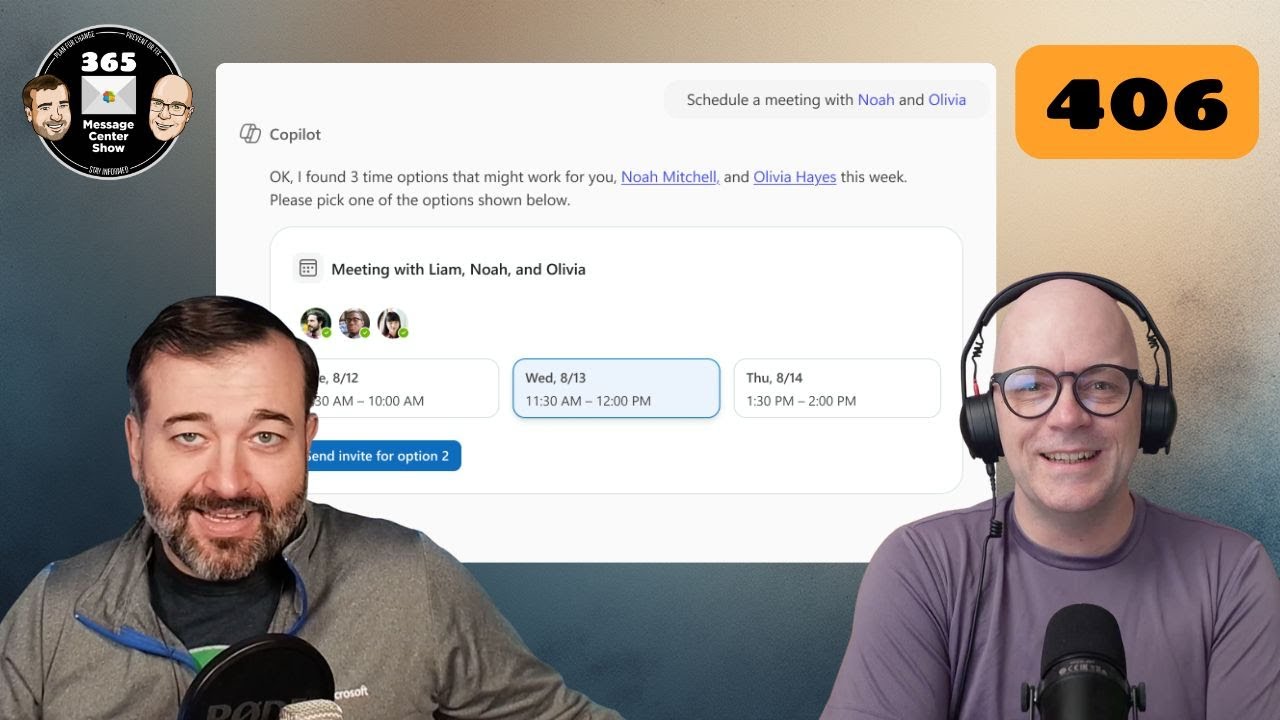
Sounds dramatic. But we’re just sticking with the error code episode number theme till we can’t make any further stories from them. Copilot Chat can schedule meetings and offers a new entry point in Word, Excel, and PowerPoint. This week on the 365 Message Center Show Daniel and Darrell cover: – Organizational Messages now…
-
404 – Message Center Show episode not found | Ep 404
You managed to find the episode. Now search for where Copilot App Skills are re-moving in Excel. Find out how Copilot can reschedule meetings for you if you get double-booked. This week on the 365 Message Center Show Daniel and Darrell cover: – App Skills in Excel will be retired – MC1184407 – Agent…
-
Archive Teams channels | Ep 314
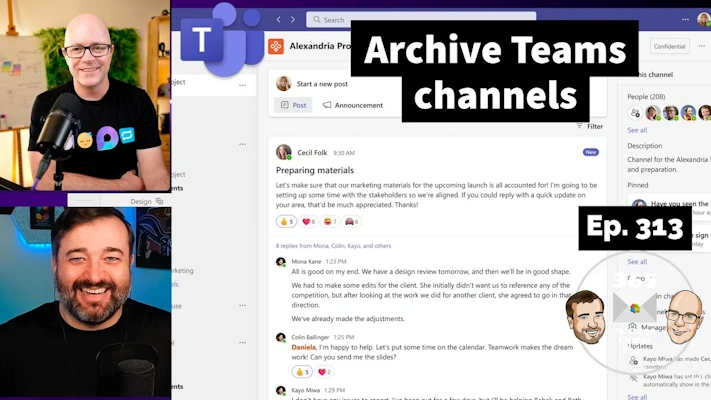
Tidy up those busy teams that have lots of channels no longer in use. This is one step better than simply hiding them or expecting team members to hide channels in their own personal Teams and channels list. This week on the 365 Message Center Show Daniel and Darrell cover: – Microsoft Teams: Archive…
-
Python in Excel, Teams Premium Trial, Workflows replacing Connectors | Ep 300