-
What’s new in the Microsoft 365 Message Center? Ep 411

Microsoft is expanding further on what the free Copilot Chat will cover in Outlook mailboxes. But it will complicate how to describe the difference between free, unlicensed Copilot and licensed M365 Copilot. We also discuss adding watermarks to GenAI created and altered content. This week on the 365 Message Center Show Daniel and Darrell…
-
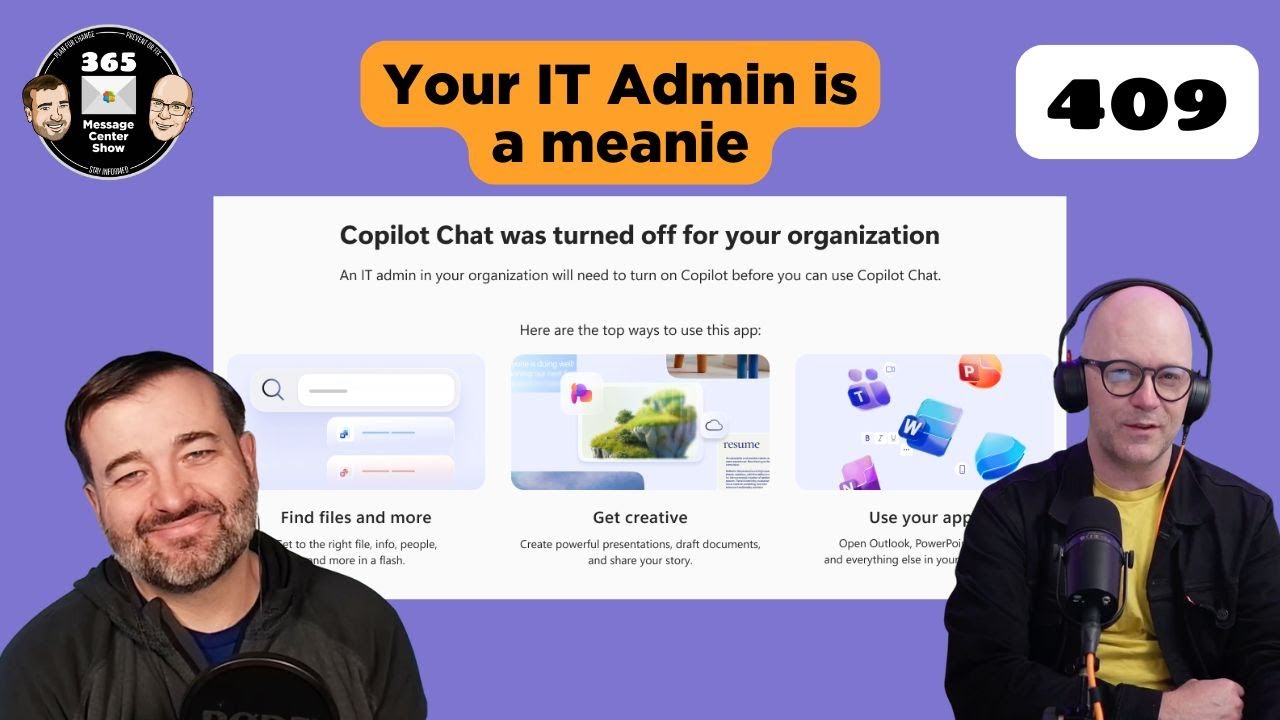
409 Conflict | Ep 409
-
What’s new in the Microsoft 365 Message Center? Ep 408

-
What’s new in the Microsoft 365 Message Center? Ep 407
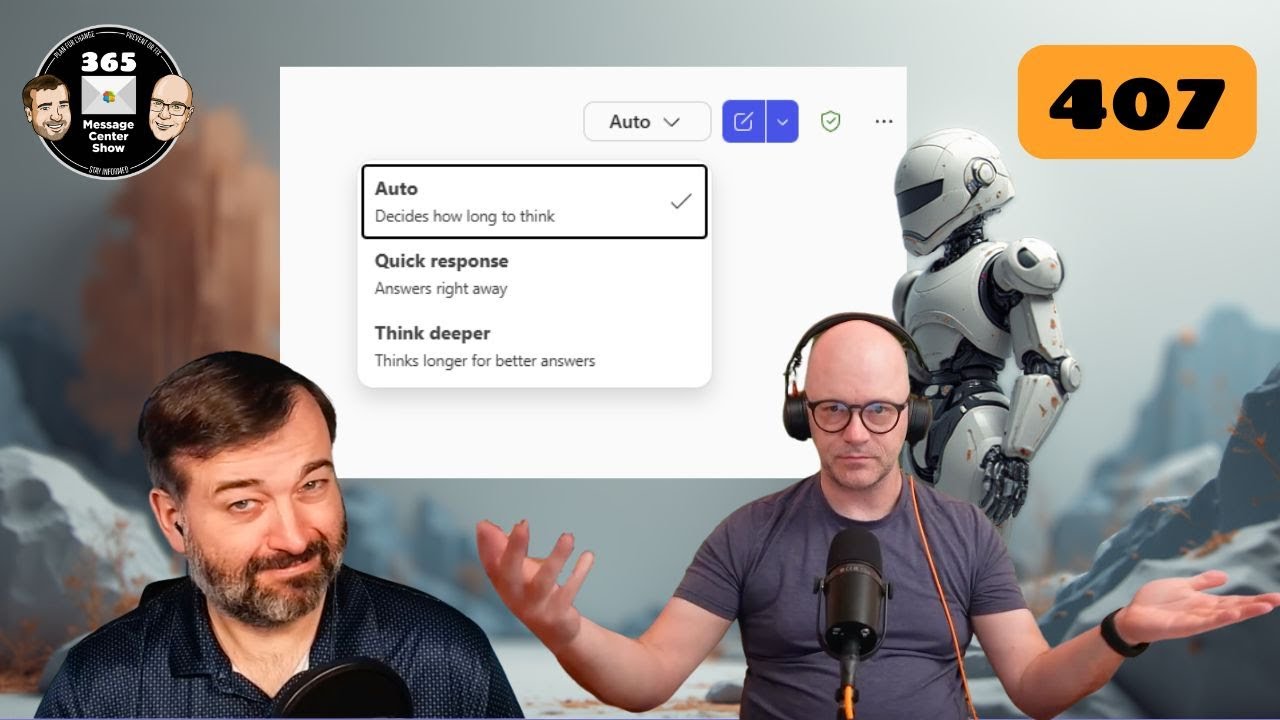
GPT5 automatically decides how long it should think about your request. But you can change it’s…err.. mind? You’ll also be able to get Copilot to list the meetings you haven’t RSVP’d to and quickly respond from the Copilot chat. This week on the 365 Message Center Show Daniel and Darrell cover: – Message preview…
-
406 – Unacceptable Message Center Show Response | Ep 406
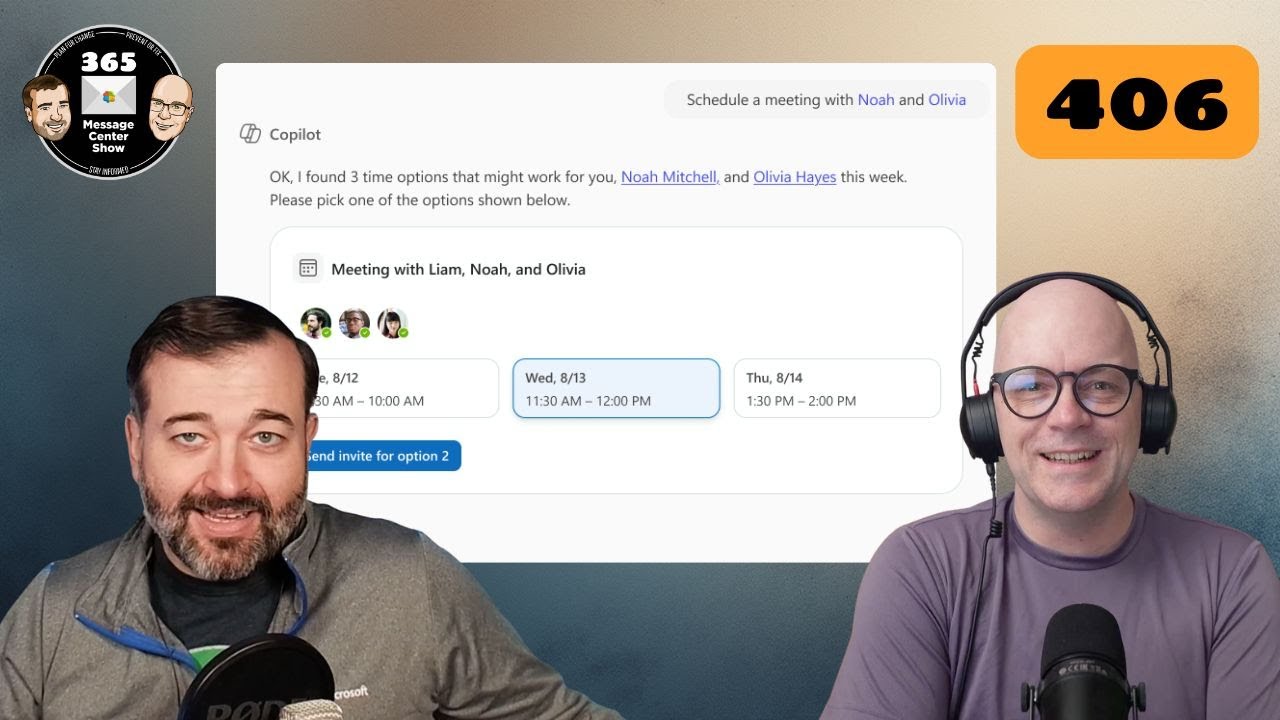
Sounds dramatic. But we’re just sticking with the error code episode number theme till we can’t make any further stories from them. Copilot Chat can schedule meetings and offers a new entry point in Word, Excel, and PowerPoint. This week on the 365 Message Center Show Daniel and Darrell cover: – Organizational Messages now…
-
404 – Message Center Show episode not found | Ep 404
You managed to find the episode. Now search for where Copilot App Skills are re-moving in Excel. Find out how Copilot can reschedule meetings for you if you get double-booked. This week on the 365 Message Center Show Daniel and Darrell cover: – App Skills in Excel will be retired – MC1184407 – Agent…
-
Meeting Polls. FAQ checkers. Rating calls | Ep 403
In this 403 Forbidden episode we go to the polls, check our FAQs, and rate our calls. This episode is full of variety, seeing an old Microsoft Garage feature completely absorbed into Outlook, FAQs that help to keep themselves updated and correct, and a new way to rate our calls. This week on the…
-
Let Me COPILOT That For You | Ep 402
We think we will call M365 Copilot’s Researcher Agent feature the “LMCTFY”. Ask Copilot to perform some research. Choose “Computer Use” mode and let Copilot control a virtual computer to carry out your research. This week on the 365 Message Center Show Daniel and Darrell cover: – Microsoft Copilot Studio – Add and configure…
-
What’s new in the Microsoft 365 Message Center? Ep 401
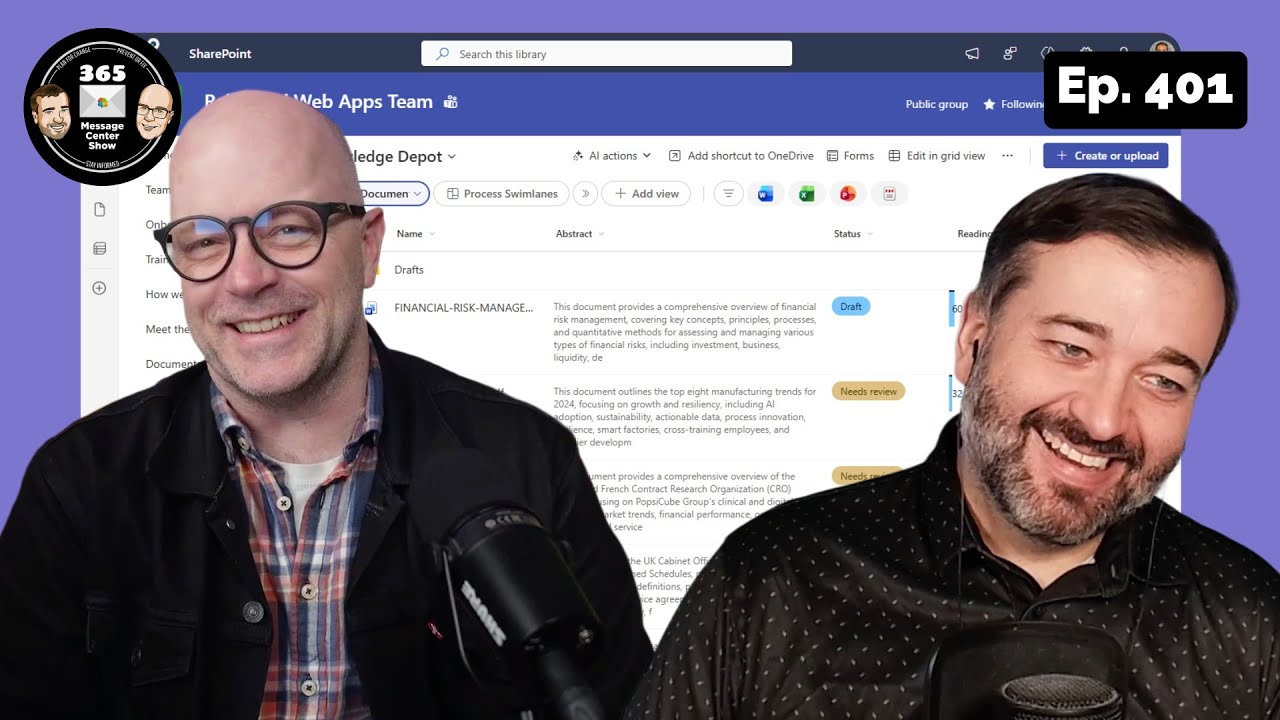
The SharePoint document library toolbars are changing and you will want to prepare your org for where buttons have moved and how it works now. Teams adds searching for images, but it’s not what you think. And Windows 11 and Copilot are getting back together, with integration means Copilot is even more helpful on your…
-
Floating Copilot button and the M365 Message Center | Ep 400
Some said it could never be done. But we have reached that day. Copilot floating buttons are arriving in OneDrive. This week on the 365 Message Center Show Daniel and Darrell cover: – Audio-only recording now available in Microsoft Teams – MC1173926 – Microsoft OneDrive: floating Copilot button simplifies Copilot discovery – MC1173929 –…