-
What’s new in the Microsoft 365 Message Center? Ep 414
Classic Outlook gets more Copilot capabilities. Good idea, given that much of the world still uses Classic Outlook. But this week we also see a modern feature removed from New Outlook. This week on the 365 Message Center Show Daniel and Darrell cover: – Secure Boot certificate updates: actions required ahead of June 2026…
-
What’s new in the Microsoft 365 Message Center? Ep 413
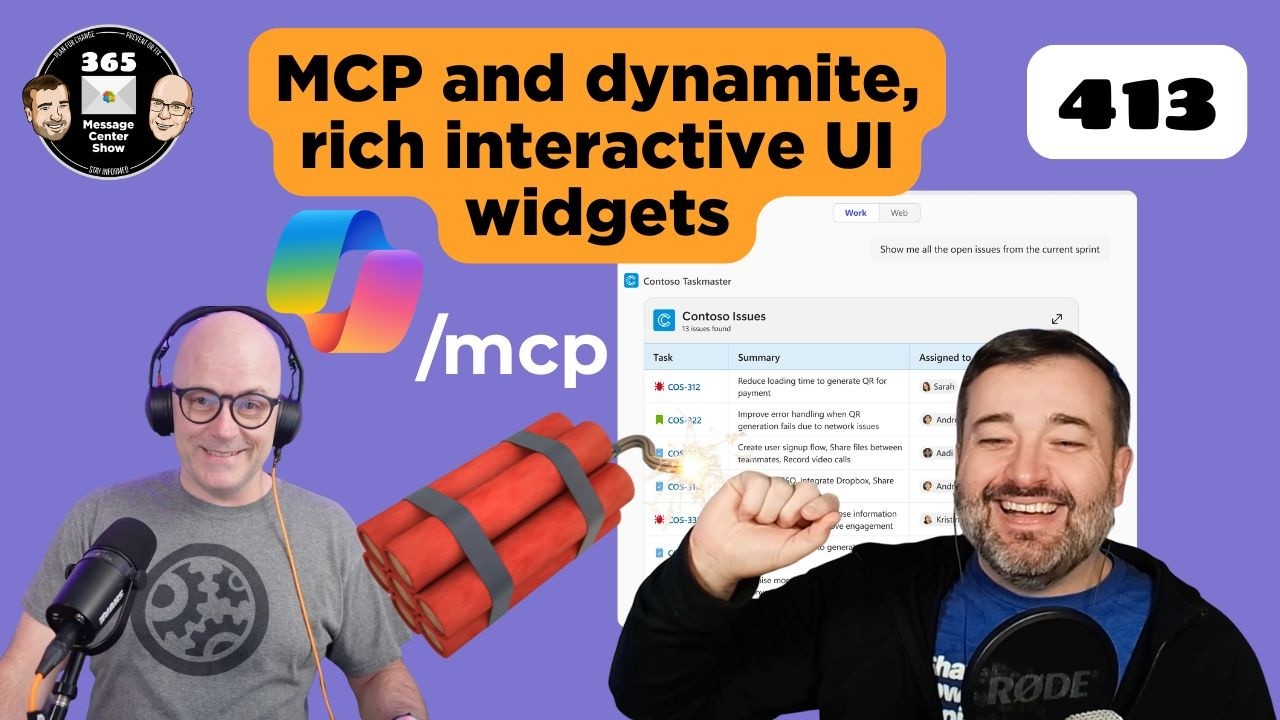
Agents will soon retrieve data from MCP servers and offer formatting options you can interact with. The Copilot “preview pane” opens Word, Excel, and PowerPoint alongside your M365 Chat results. Viva Engage introduces a way to hide your colleagues messages from your feed. This week on the 365 Message Center Show Daniel and Darrell…
-
What’s new in the Microsoft 365 Message Center? Ep 412
-
What’s new in the Microsoft 365 Message Center? Ep 411
Microsoft is expanding further on what the free Copilot Chat will cover in Outlook mailboxes. But it will complicate how to describe the difference between free, unlicensed Copilot and licensed M365 Copilot. We also discuss adding watermarks to GenAI created and altered content. This week on the 365 Message Center Show Daniel and Darrell…
-
What’s new in the Microsoft 365 Message Center? Ep 410
Have you ever wanted to replace one or two reaction icons in Teams meetings with some fun or seasonal custom reactions? Now you can with Teams Premium. You can leverage the People Skills services to suggest skills for E3 and E5 licensed people. This week on the 365 Message Center Show Daniel and Darrell…
-
409 Conflict | Ep 409
-
What’s new in the Microsoft 365 Message Center? Ep 408
-
What’s new in the Microsoft 365 Message Center? Ep 407
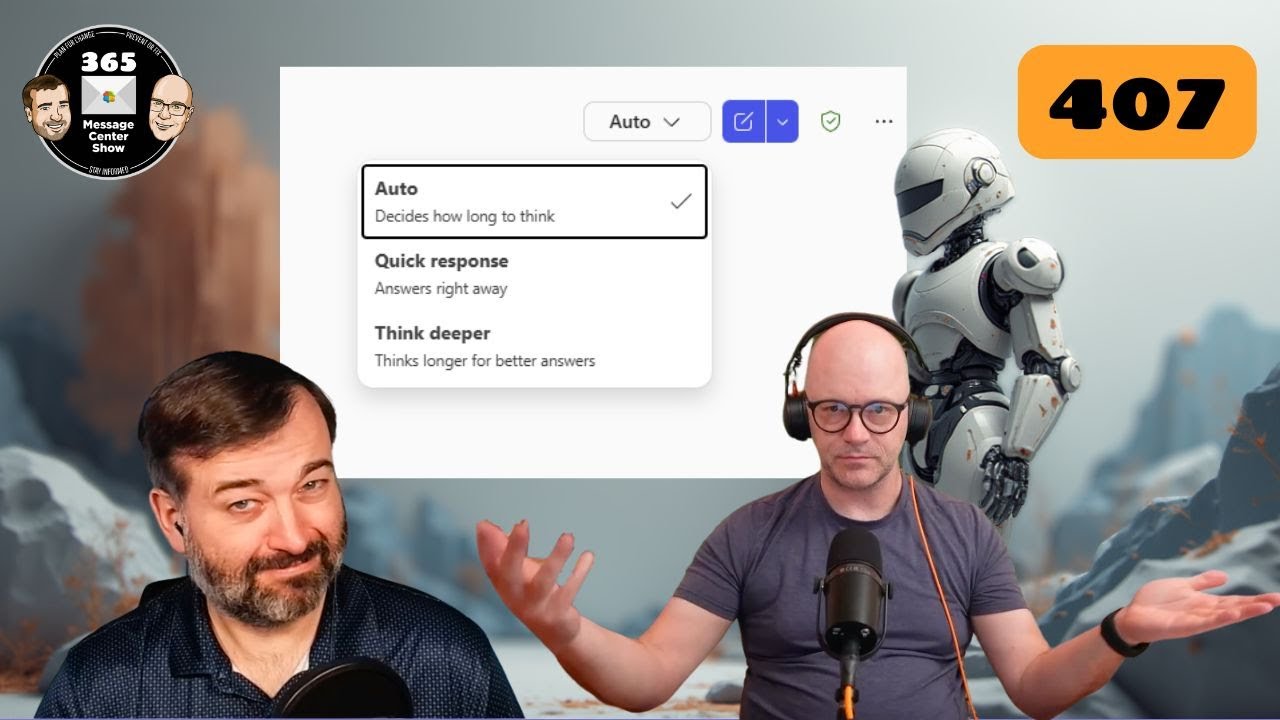
GPT5 automatically decides how long it should think about your request. But you can change it’s…err.. mind? You’ll also be able to get Copilot to list the meetings you haven’t RSVP’d to and quickly respond from the Copilot chat. This week on the 365 Message Center Show Daniel and Darrell cover: – Message preview…
-
Meeting Polls. FAQ checkers. Rating calls | Ep 403
In this 403 Forbidden episode we go to the polls, check our FAQs, and rate our calls. This episode is full of variety, seeing an old Microsoft Garage feature completely absorbed into Outlook, FAQs that help to keep themselves updated and correct, and a new way to rate our calls. This week on the…
-
Let Me COPILOT That For You | Ep 402
We think we will call M365 Copilot’s Researcher Agent feature the “LMCTFY”. Ask Copilot to perform some research. Choose “Computer Use” mode and let Copilot control a virtual computer to carry out your research. This week on the 365 Message Center Show Daniel and Darrell cover: – Microsoft Copilot Studio – Add and configure…