-
What’s new in the Microsoft 365 Message Center? Ep 413

Agents will soon retrieve data from MCP servers and offer formatting options you can interact with. The Copilot “preview pane” opens Word, Excel, and PowerPoint alongside your M365 Chat results. Viva Engage introduces a way to hide your colleagues messages from your feed. This week on the 365 Message Center Show Daniel and Darrell…
-
What’s new in the Microsoft 365 Message Center? Ep 411

Microsoft is expanding further on what the free Copilot Chat will cover in Outlook mailboxes. But it will complicate how to describe the difference between free, unlicensed Copilot and licensed M365 Copilot. We also discuss adding watermarks to GenAI created and altered content. This week on the 365 Message Center Show Daniel and Darrell…
-
406 – Unacceptable Message Center Show Response | Ep 406
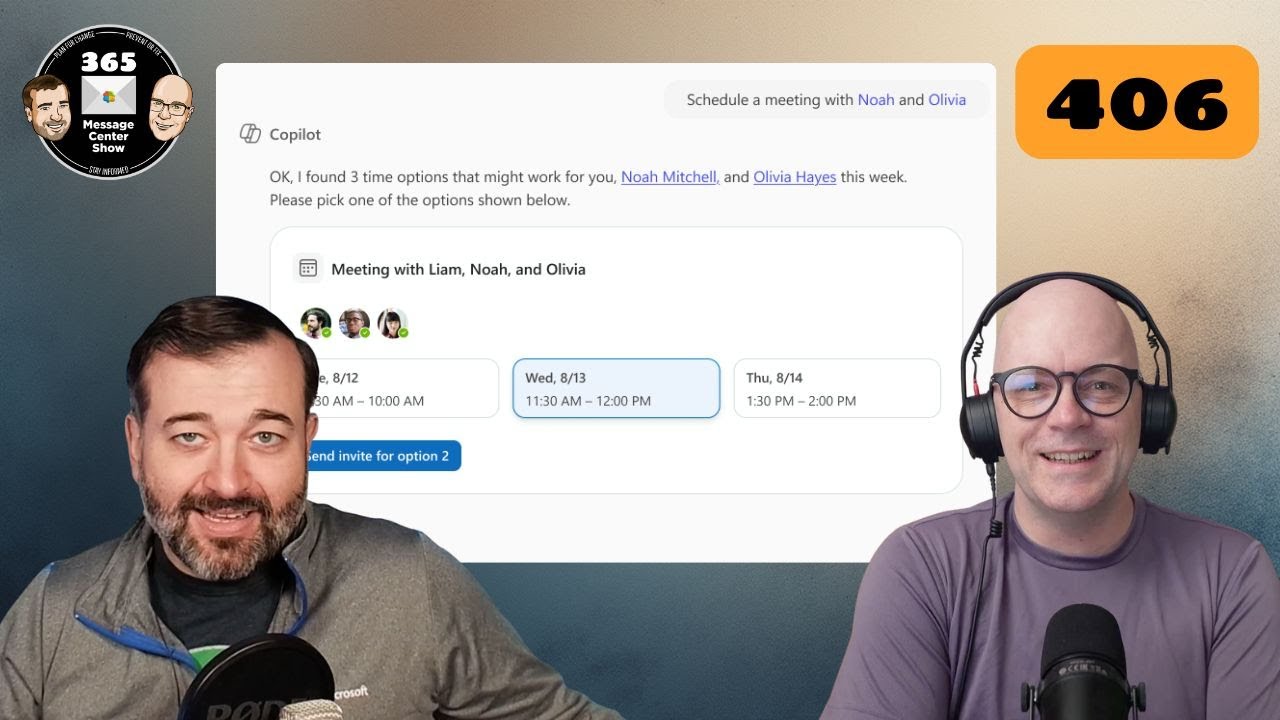
Sounds dramatic. But we’re just sticking with the error code episode number theme till we can’t make any further stories from them. Copilot Chat can schedule meetings and offers a new entry point in Word, Excel, and PowerPoint. This week on the 365 Message Center Show Daniel and Darrell cover: – Organizational Messages now…
-
Point taken in the Microsoft 365 Message Center Show | Ep 399

Access your organisational images library to get approved images for your presentations. Use Search to find settings in Teams. And where did Copilot go in Microsoft Loop, and did anyone notice it leave? This week on the 365 Message Center Show Daniel and Darrell cover: – Microsoft Viva Copilot Analytics launches new agent dashboard…
-
Templates for SharePoint, PowerPoint, and Teams. | Ep 378
This episode is giving notes of templates and orange peel. Yes, this episode has three messages that involve templates in three different M365 experiences. SharePoint page templates page gets revamped. PowerPoint offers Copilot as a slide deck template. Teams will let you create your own meeting templates. Thanks for joining us. Let us know what…
-
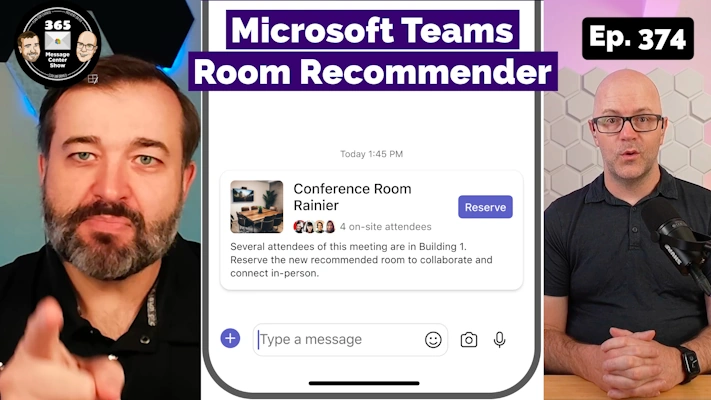
Microsoft Teams Room Recommender. Copilot summarizes Pulses | Ep 374
-
Designer in Microsoft 365 Copilot. Hey Loop. What’s changed? | Episode 371
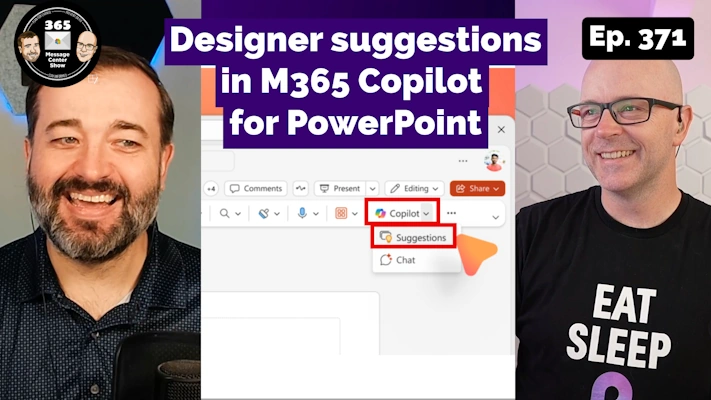
Another PowerPoint feature is being positioned within Microsoft 365 Copilot, with the suggestion of more to come. Design suggestions will still be available for everyone, but it may be getting smarter for M365 Copilot subscribers. Microsoft Loop makes it easier to tell your workspace members about changes to the page you have been working on.…
-
Teams Channel Files become Shared. SharePoint Quick Steps | Ep 370
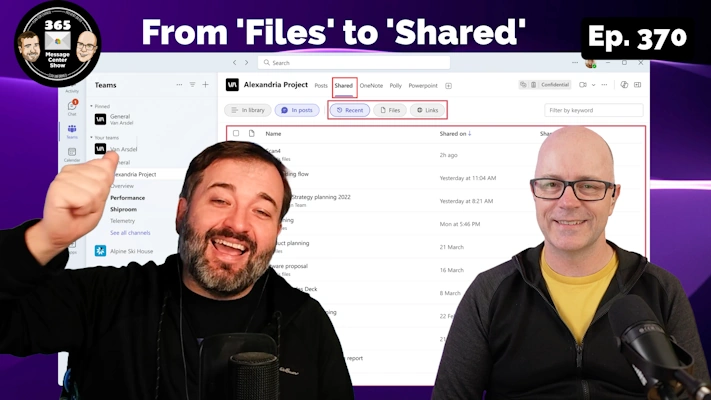
Prepare for another change to how you use Microsoft Teams. The Files tab in Channels will change how it displays files, showing different views and filters. It appears to be aligning with Teams Chat’s Shared tab. Also, SharePoint introduces Quick Steps to perform common automation and workflows. Join us in the comments with your thoughts…
-
View Stream videos inline in Teams. Browse files by meeting in OneDrive | Ep 295
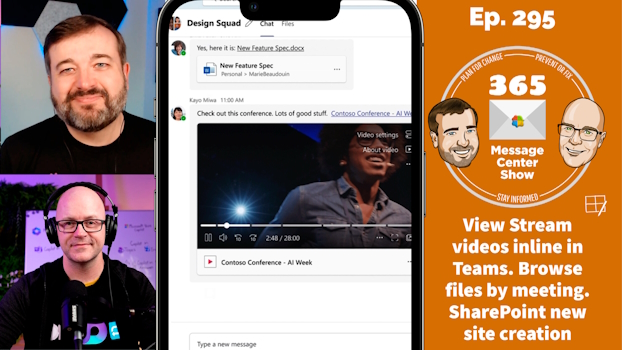
Share a Stream video in Teams chat and channel conversations, and you will be able to preview and play them from within the conversation. OneDrive has a new feed to show up-coming and past meetings and their related files. It has a really interesting way to show files and recordings for recurring meetings too. SharePoint…
-
Viva Pulse, Teams group chat links, changes to MFA | Ep 290