-
Changes to OneDrive UI, and more free LinkedIn courses | Ep 293
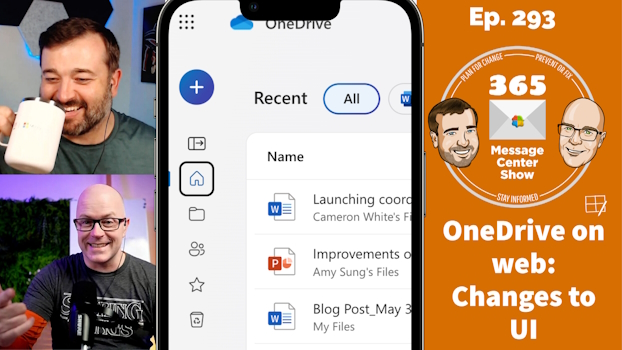
OneDrive on the web is changing to bring focus to your content and make it easier to create new files. LinkedIn Learning adds more free courses to Viva Learning basic. Custom list templates will soon included Power Automate flows as part of the template, packaging up a nice reusable app with automation. This week…
-
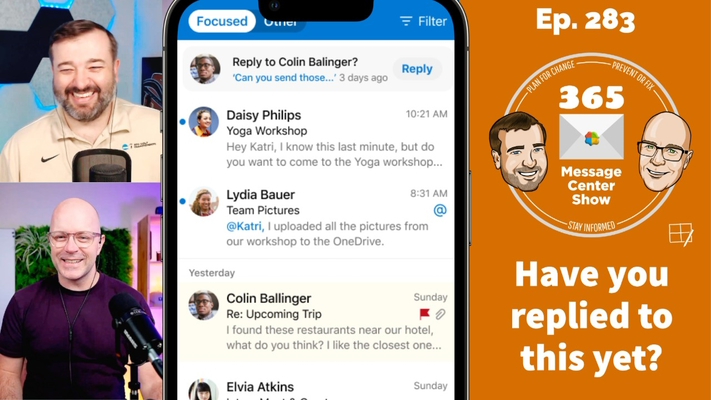
Message reminders in Outlook Mobile, Topics in Teams | Ep 283
-
SharePoint 2013 workflow retirement & Teams MaaR(?) | Ep 282
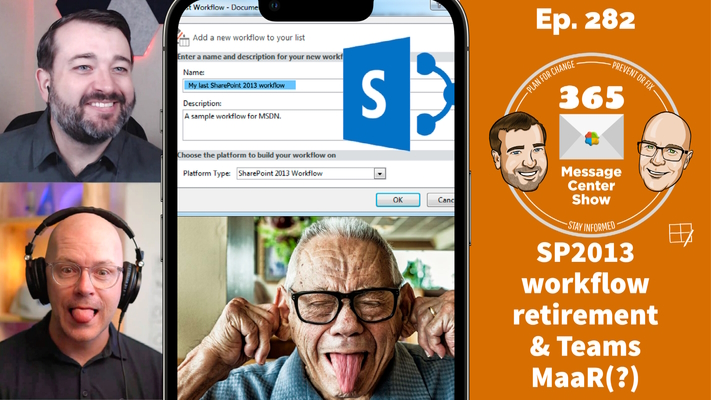
A good number of organizations still use SharePoint 2013 workflows. So you’re going to need some forward planning for retirement. But you should be able to benefit from Teams MaaR almost immediately. What is Teams MaaR you ask? Watch the episode to find out. This week on the 365 Message Center Show Daniel and…
-
Offline meetings in Teams? Say what? | Ep 279
It isn’t what you think. No, it’s not offline meetings in Microsoft Teams. It’s the ability to schedule offline meetings in Teams. You know. Appointments that don’t need a Teams meeting. But we give 10 points to the click-bait message title in the Message Center this week This week on the 365 Message Center…
-
New Microsoft Teams 2.0 | Ep 278
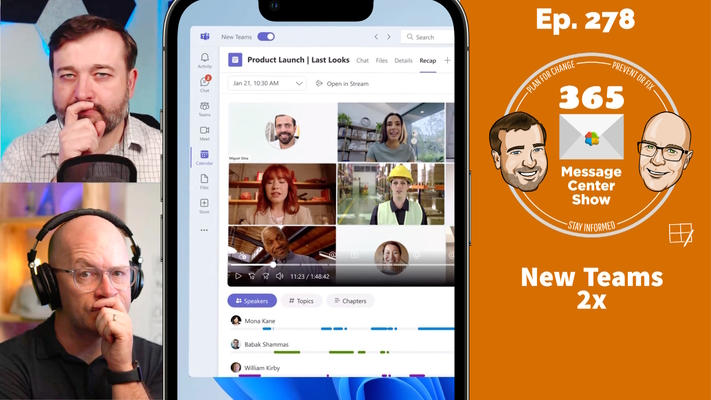
Are you ready for 2x performance, new layouts, seamless tenant switching, Microsoft 365 Copilot integration and more? Microsoft Teams has been re-engineered, adapting to the changing way we work. Let’s talk about that. This week on the 365 Message Center Show Daniel and Darrell cover: – Preview the new Microsoft Teams Windows client –…
-
Microsoft 365 Copilot, Teams green screen, new Teams Files app. | Ep 277
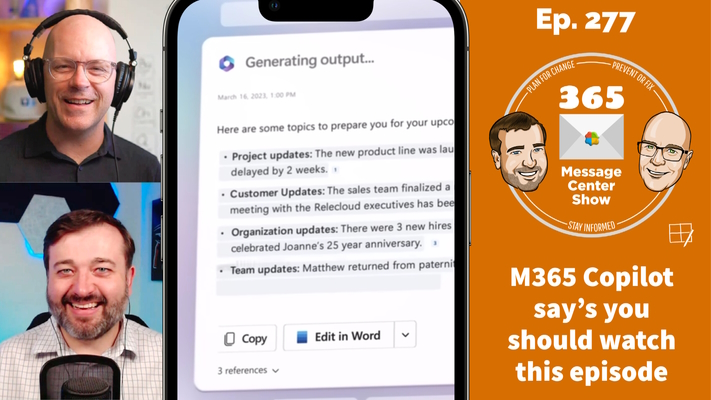
AI was announced in everything, everywhere, all at once last week with Microsoft 365 Copilot. It will make a massive impact to how we search, create and organize our work. Teams green screen is set to improve our virtual background performance, and there’s a new Teams Files app that looks a lot like OneDrive. …
-
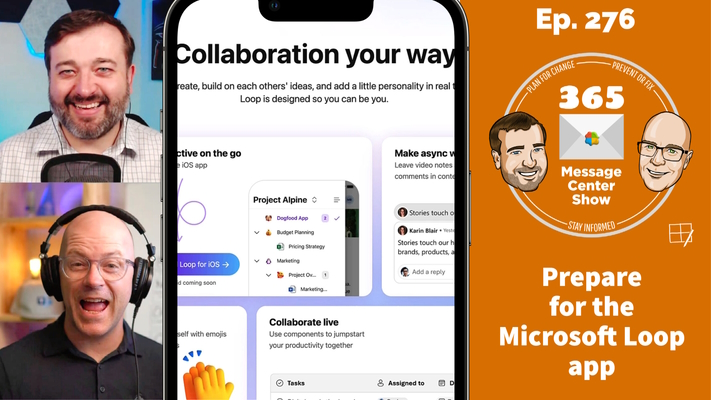
Microsoft Loop App Coming to Public Preview | Episode 276
-
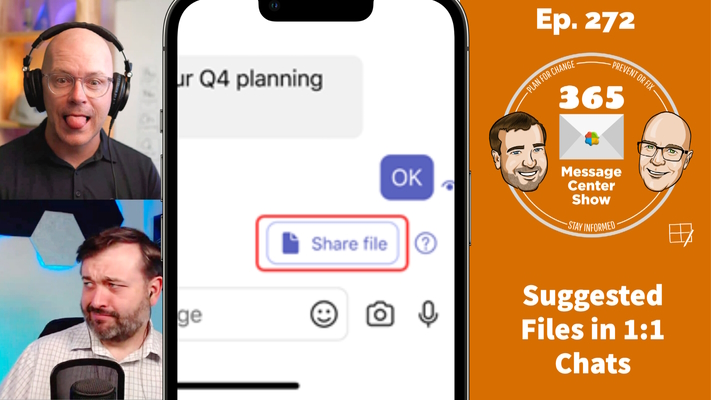
Suggested Files in 1:1 Chats | Ep 272
-
Teams Wiki retired. New Stream playlists. New Viva Engage experiences | Ep 269
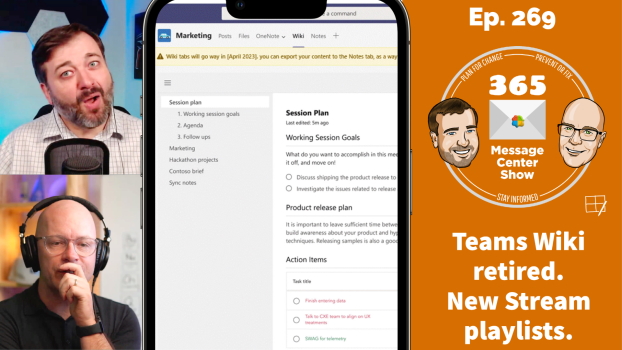
The Wiki is being retired and replaced with OneNote. You can move your Wiki content to a OneNote notebook too. Microsoft Stream playlists will be created in Microsoft Lists and point to the video files in SharePoint. Microsoft Viva Engage is preparing to release Leadership corner, Leader storyline, Engage social campaigns and more. A packed…
-
Get Answers in Microsoft Viva | Ep 268
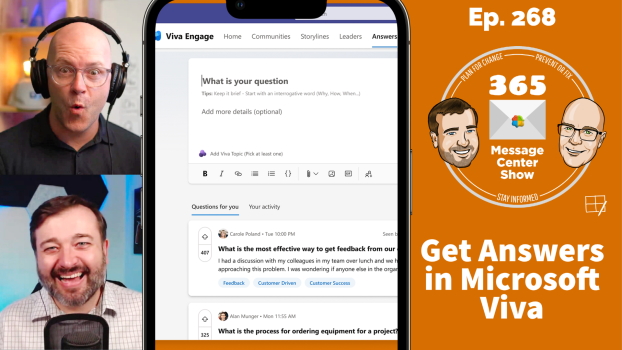
We’re excited to see Answers arrive in Microsoft Viva, the premium experience for sourcing knowledge socially. It helps find the right person to get answers quickly, leveraging Viva Topics to select subject matter experts. It improves upon Yammer / Viva Engage Q&A features to make the best answers visible. Hear more in this episode. …