-
Changes to OneDrive UI, and more free LinkedIn courses | Ep 293
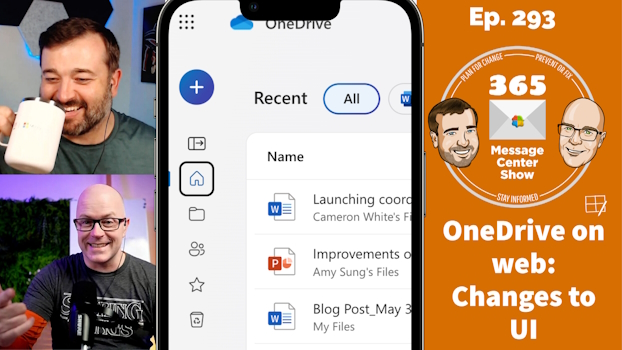
OneDrive on the web is changing to bring focus to your content and make it easier to create new files. LinkedIn Learning adds more free courses to Viva Learning basic. Custom list templates will soon included Power Automate flows as part of the template, packaging up a nice reusable app with automation. This week…
-
Viva Pulse, Teams group chat links, changes to MFA | Ep 290
-
Loop components task list syncs with Planner and ToDo | Ep 289
-
Zoom in Teams meetings | Ep 288
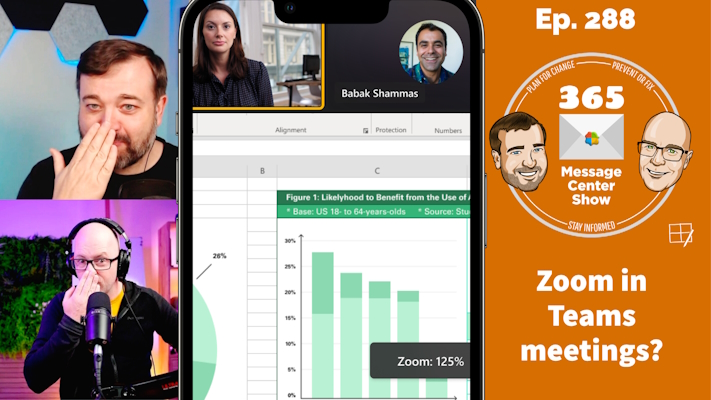
Clearly, we don’t mean using Zoom inside a Teams meeting. But we do mean being able to zoom into shared content with more visible buttons to control zoom levels. We also discuss “nosie suppression” maintenance, and all about campaigns in Viva Engage. This week on the 365 Message Center Show Daniel and Darrell cover:…
-
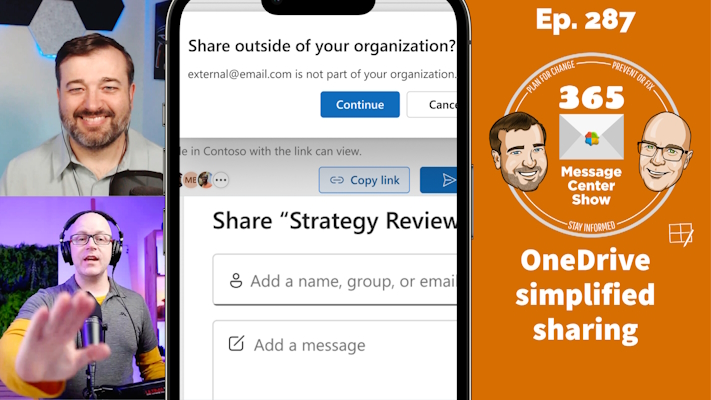
OneDrive simplified sharing, Connections news notifications, Teams work hours and location | Ep 287
-
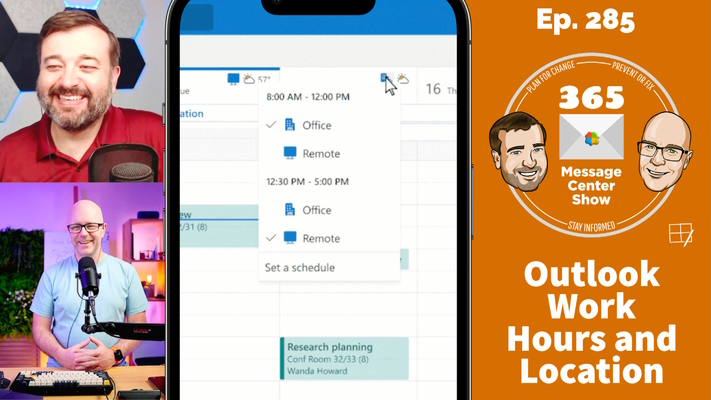
Outlook Work Hours and Location, Copilot Semantic Index, OneDrive Manage Access | Ep 285
-
Exchange Online: Almost Total Recall | Ep 274
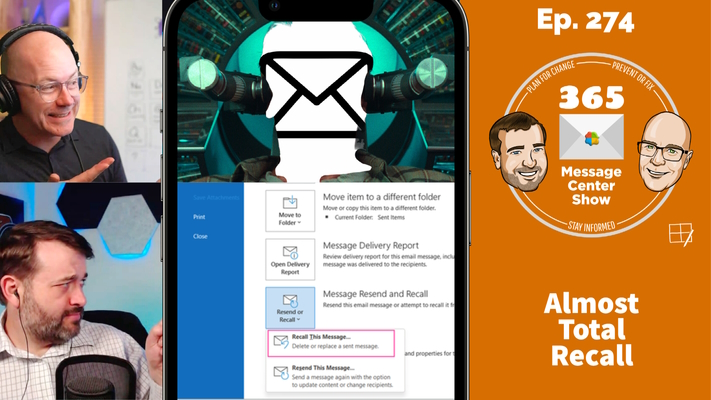
He sent the message. But now he wants it back. No questions asked. He’ll erase any memory of that message being delivered. Significantly higher recall rates. Almost, not quite total recall. Oops, sorry about that. We mixed up our movie review channel with our message center review channel. This week on the 365 Message…
-
Yammer is evolving into Viva Engage | Ep 273
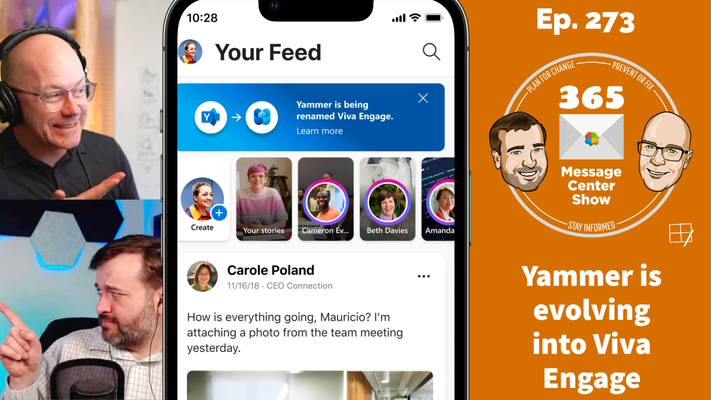
Yammer is not dead. It has evolved. Or perhaps it was naturally selected to change. Let’s talk about that. This week on the 365 Message Center Show Also on the show this week, Daniel and Darrell cover: Pronouns on Profile Cards in Microsoft Teams and Outlook Web – MC515531 Take Action on Meeting Category…
-
Updated meeting recap for Outlook on the web | Ep 270
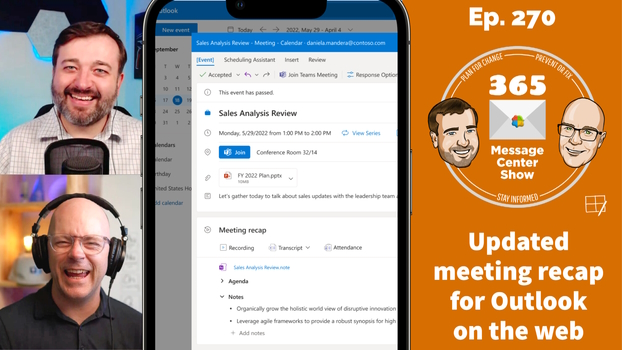
Soon it will be even easier to review meeting content after a meeting with the new Meeting Recap in Outlook on the web. Return to the meeting invite to see meeting notes powered by OneNote and Microsoft Loop, and shortcuts to the recording, transcript, and attendance list. This week on the 365 Message Center…
-
Microsoft Teams: Meeting Toolbar Improvements | Ep 266
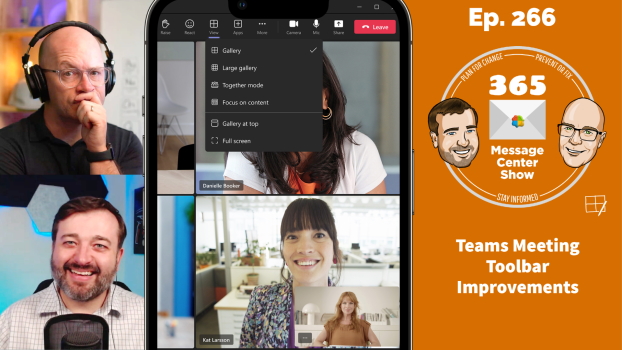
We find it difficult to get to the Reactions in Teams meetings quickly. When everyone is giving applause, hearts or laughs, I’m the slowest to get to those buttons. Similarly, raising a hand has been a couple of clicks away. The Teams meeting toolbar is changing to fix this. Maybe we will all clap and…