-
Changes to OneDrive UI, and more free LinkedIn courses | Ep 293
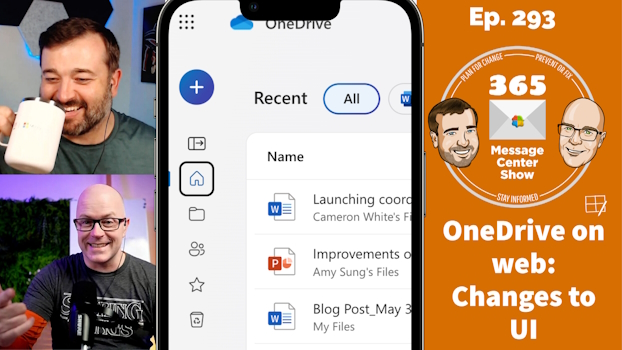
OneDrive on the web is changing to bring focus to your content and make it easier to create new files. LinkedIn Learning adds more free courses to Viva Learning basic. Custom list templates will soon included Power Automate flows as part of the template, packaging up a nice reusable app with automation. This week…
-
Annotate on a live screen during Teams meetings | Ep 292
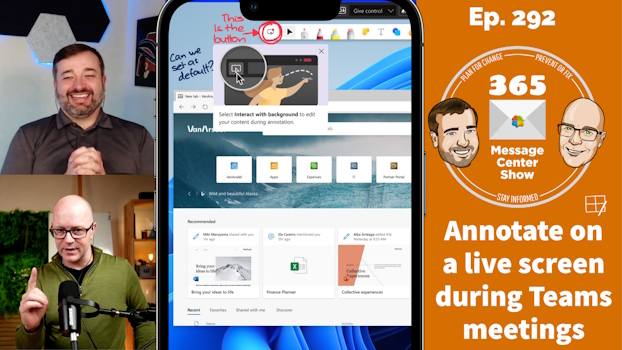
Now during your Teams meetings, annotate on a live screen. This is an improvement on the freeze-frame screenshot with annotations we had till now. Click through the annotations layer and continue to use the live shared window or desktop. This will be great for support scenarios and collaborative feedback over the top of what is…
-
Get ready for Microsoft 365 Copilot | Ep 291
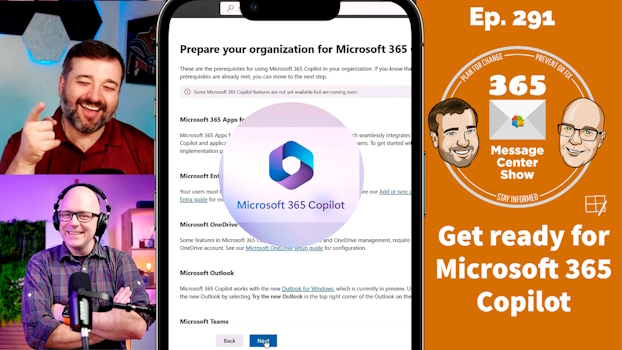
If your organization is interested in using Microsoft 365 Copilot, you can start preparing now. We talk about the things you can prepare for, things you should be doing anyway, and things you will have to wait for. This week on the 365 Message Center Show Daniel and Darrell cover: – (Updated) Future of…
-
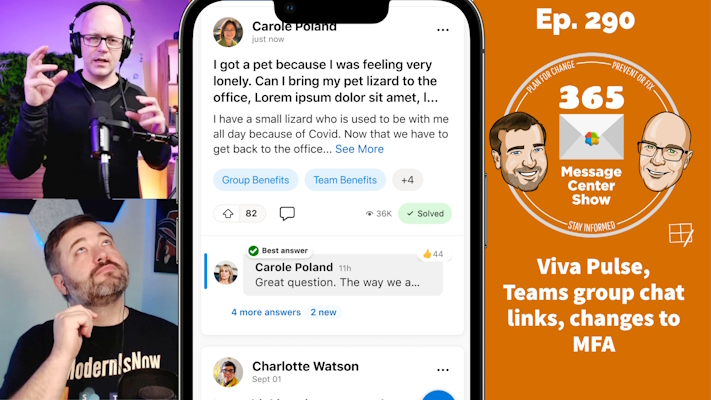
Viva Pulse, Teams group chat links, changes to MFA | Ep 290
-
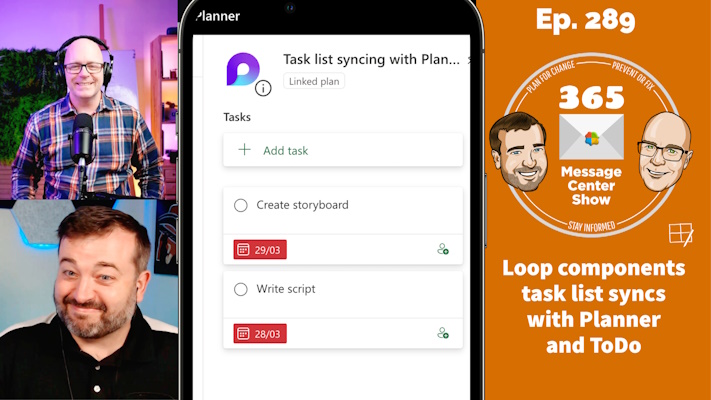
Loop components task list syncs with Planner and ToDo | Ep 289
-
Zoom in Teams meetings | Ep 288
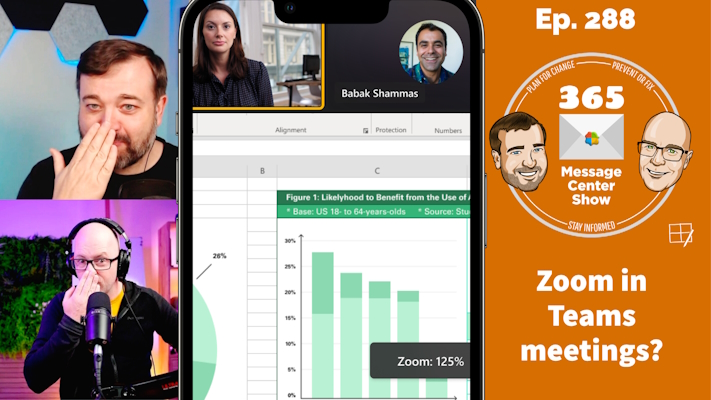
Clearly, we don’t mean using Zoom inside a Teams meeting. But we do mean being able to zoom into shared content with more visible buttons to control zoom levels. We also discuss “nosie suppression” maintenance, and all about campaigns in Viva Engage. This week on the 365 Message Center Show Daniel and Darrell cover:…
-
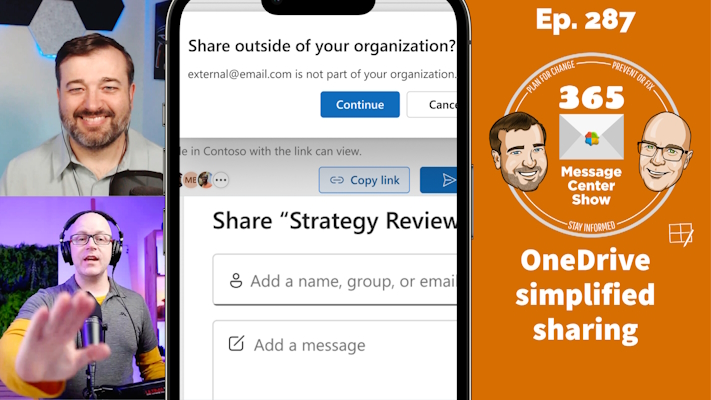
OneDrive simplified sharing, Connections news notifications, Teams work hours and location | Ep 287
-
Multiple home sites for Viva Connections Teams Collaborative Stageview | Ep 286
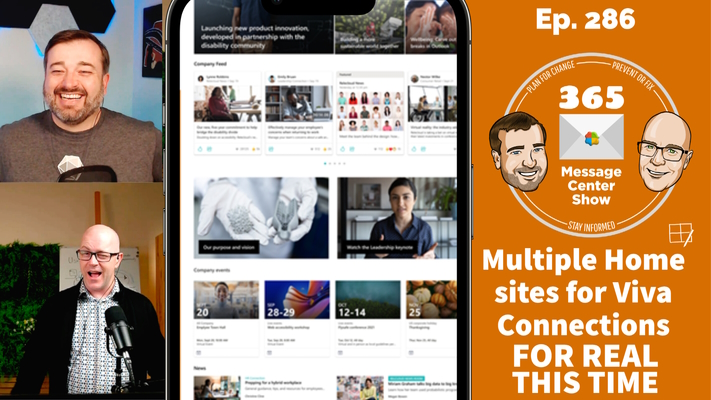
Configure multiple home sites to serve up a different home page and Viva Connections dashboard for different audiences. It has been a while coming. We first talked about it in episode 242. Daniel Glenn and Darrell Webster tell us more about it and its limitations. Teams Collaborative Stageview will allow Teams to open content in…
-
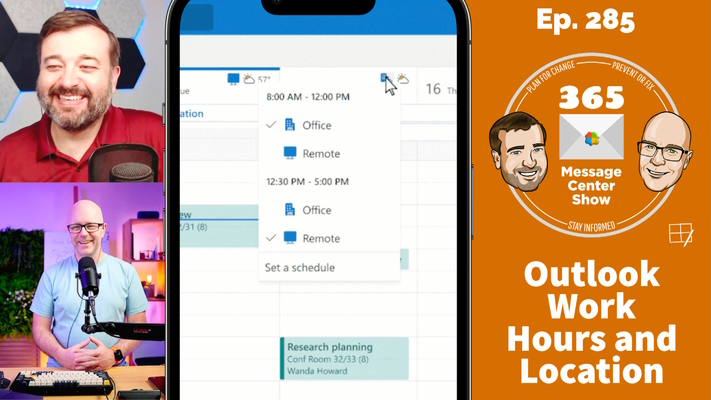
Outlook Work Hours and Location, Copilot Semantic Index, OneDrive Manage Access | Ep 285
-
Microsoft Teams new channel experience, cloud.microsoft, Loop in Outlook mobile | Ep 284
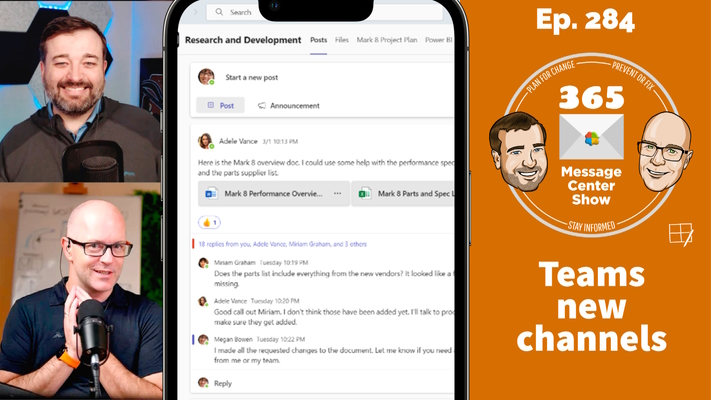
Start conversations and read new and updated posts at the top of a Teams channel. Pop them out to focus on the discussion. See channel information and pinned posts on a new channel sidebar. The new Microsoft Teams channel experience will improve they way you engage with conversations. This week on the 365 Message…