-
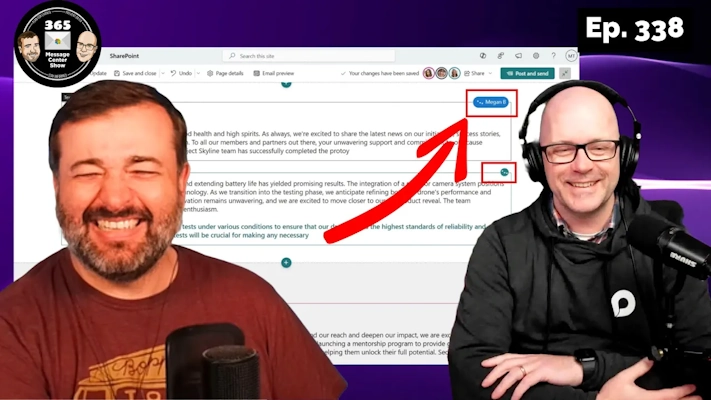
SharePoint coauthored pages. Silence channel posts | Ep 338
-
Shaped images in SharePoint. Copilot time-based responses | Ep 337
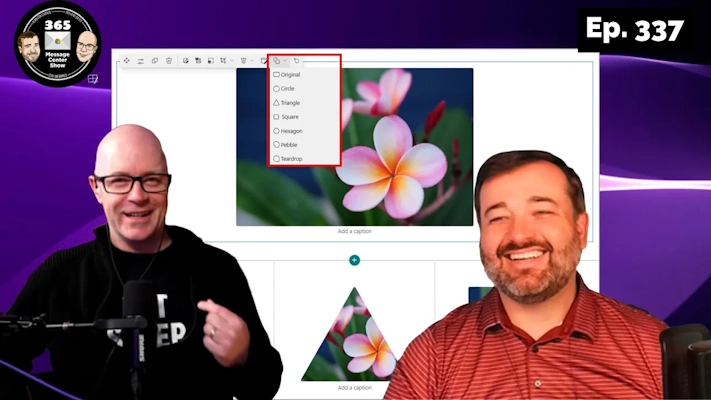
Use new shaped-cropping with your SharePoint images to make eye-catching pages. Copilot improves the amount of time it can go back for time-based prompts. Lastly, the 365 Message Center Show tests publishing each message as its own short video. Or watch this full video. This week on the 365 Message Center Show Daniel and…
-
M365 Copilot Catchup, Recalled Recall, SharePoint text supercharge | Ep 336
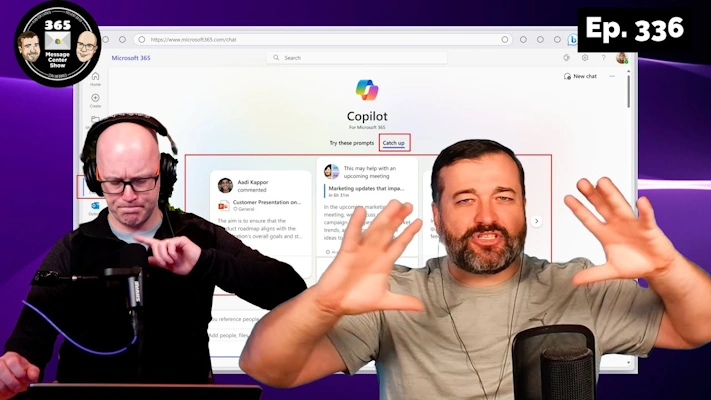
Catch up with Microsoft 365 Copilot and clever cards that prompt YOU with updates you should know about. Recall in Copilot+ PCs gets “recalled”… more like changed to opt in, among other things. Lastly, SharePoint text goes large. This week on the 365 Message Center Show Daniel and Darrell cover: – Copilot in Microsoft…
-
Custom emoji, Notify when available | Ep 335
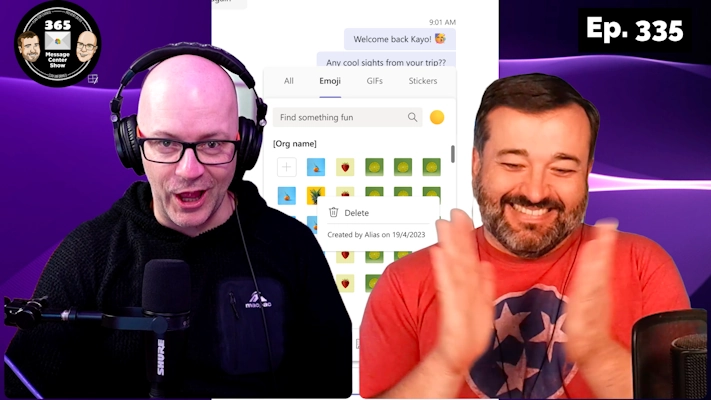
Get ready to customize your conversations by uploading custom emoji and animations. This fun way to inject personality into your posts also paves the way for some promotional inspiration. We also welcome back the ability to ask Teams to be notified when someone becomes available. It’s a useful feature, but Daniel shares how it might…
-
Copilot+ PCs and more messages during Microsoft Build | Ep 334

-
Disturb my Do-not-Disturb and remove natural language search | Ep 333
We have a perplexing couple of messages this week that appear to disable useful functionality in Teams and Microsoft 365. But that is countered by giving Copilot Insights and introducing a way to share meeting notes, files and other artifacts automatically for recurring Teams meetings. You want to know more. Come on. That teaser was…
-
Welcome. We suggest you follow this channel.. in Teams | Ep 332
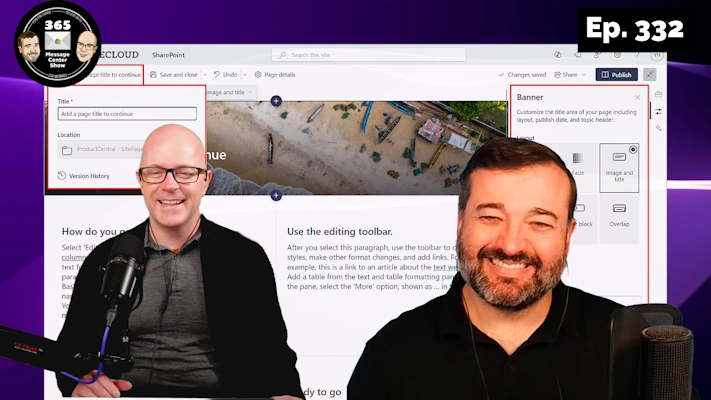
Welcome to the team. We hope you enjoy your collaborative stay. Take a look at these channels. We suggest you follow them. But that’s up to you. You might want to visit SharePoint and see our new no-banner option. A delightful look for the minimalist or the creative who wants more control over the look…
-
SharePoint improved version history. Ground-chat in Copilot for Outlook | Ep 331
New options for automatically managing file version history will assist with storage. Copilot for Outlook gets a side-car panel for prompts that are grounded in your mailbox. Archive your SharePoint sites into the new Microsoft 365 Archive service. What else has landed this week in the 365 Message Center? Watch the show and find out.…
-
Follow meetings. Slash commands. Engaging Copilot adoption. | Ep 330
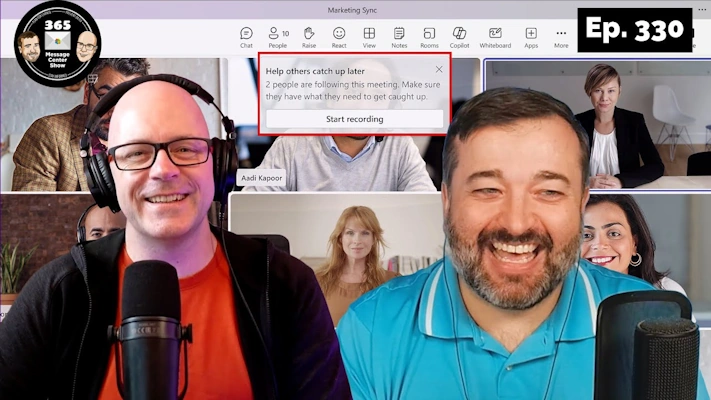
Following a meeting is a great new alternative to a tentative response. Let the organizer know you won’t be able to attend but you are definitely interested in the meeting recording and outcomes. Slash commands are coming soon to Teams Chats and Channel posts. Let Teams know what you want to do while you type…
-
SharePoint Brand Center and Custom fonts | Ep 329
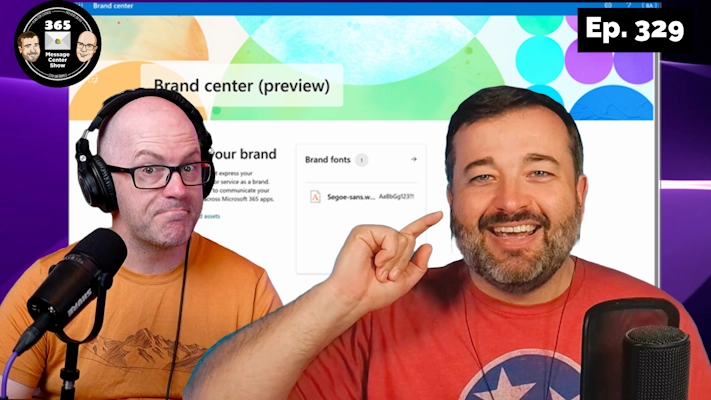
Get ready for the new Brand Center and helpful tools to standardize your SharePoint sites and content you create in Microsoft 365. The Brand Center will begin rolling out capabilities, starting with custom font packages that match your internal brands. As with all new things in M365, the first release is limited in capability. But…